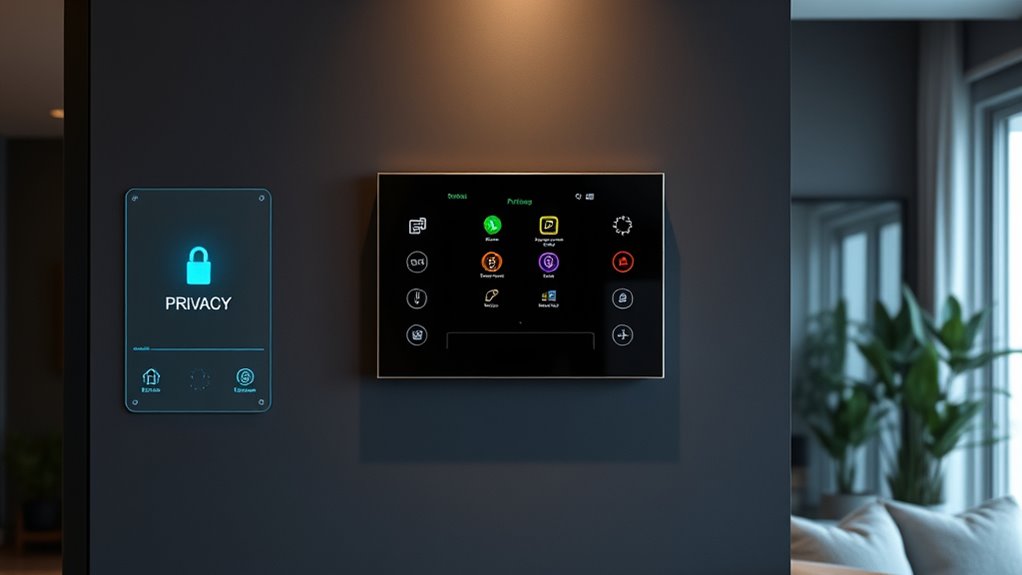
To secure your smart home, start by enabling data encryption to protect your info during transmission. Review and adjust privacy settings on your devices and apps, turning off features like voice recordings or remote access if unnecessary. Keep firmware and software updated to fix vulnerabilities. Always manage user permissions and be cautious about sharing sensitive data. Regularly checking and customizing these settings helps prevent breaches and maintains your privacy—something you’ll want to master as you explore more ways to stay secure.
Key Takeaways
- Enable end-to-end encryption for all devices to secure data transmission and prevent hacking.
- Regularly review and adjust privacy settings, including disabling unnecessary features like voice recordings and remote access.
- Keep firmware and software up to date to patch security vulnerabilities and enhance privacy protections.
- Obtain and manage user consent for data collection, sharing, and device permissions such as microphone, camera, and location.
- Monitor and control device permissions and sharing settings to minimize data exposure and maintain user privacy.
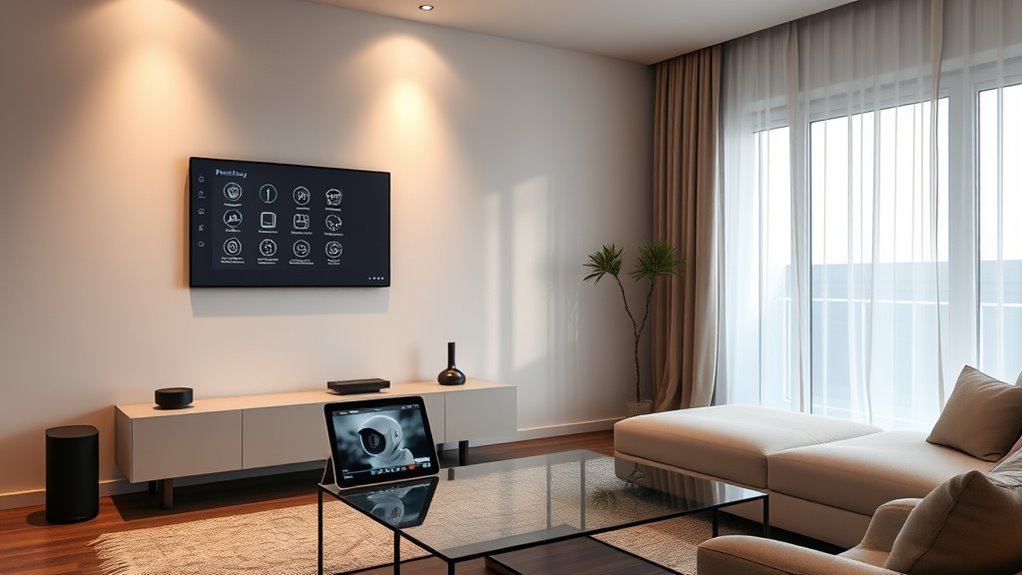
Have you ever wondered how much of your personal life is exposed through your smart home devices? Each time you connect a smart speaker, security camera, or thermostat, you’re sharing data that could potentially be accessed by outsiders if not properly protected. That’s why setting up robust privacy controls is essential. One of the most critical aspects is guaranteeing that your data is secure through data encryption. When your device transmits information—whether it’s a voice command or a security alert—encrypted data scrambles the details, making it nearly impossible for hackers to decipher even if they intercept the transmission. Without strong data encryption, your personal conversations, habits, and security footage could be vulnerable to malicious actors. It’s important to verify that your devices support end-to-end encryption, which guarantees that only you and authorized users can access the raw data.
Protect your privacy by ensuring your smart devices use end-to-end encryption to keep your data secure.
Equally crucial is giving careful thought to user consent. Many smart home devices collect data continuously to improve functionality or provide personalized experiences. However, manufacturers often assume consent by default, which can lead to unintentional privacy breaches. You should always review and adjust privacy settings to control what data your devices gather and share. Make it a habit to read privacy policies and understand how your information is used. When setting up new devices or updating existing ones, explicitly grant or deny permissions based on your comfort level. If a device requests access to your microphone, camera, or location, consider whether you truly need that feature and whether you’re comfortable sharing that information.
In addition, regularly update your device firmware and software. Manufacturers often release security patches that fix vulnerabilities, including those related to data encryption flaws or privacy loopholes. By staying current, you help ensure that your smart home remains a secure environment. Many devices also allow you to disable certain features or restrict data sharing at the user level. Take advantage of these options—disable voice recordings if you don’t want your commands stored, or turn off remote access if you’re not using it.
Furthermore, review the privacy settings on your smart home hub or app frequently. Manufacturers may introduce new options or change default settings over time. Being proactive in managing these settings helps you maintain control over your personal information. Remember, your privacy is a shared responsibility—your vigilance can considerably reduce the risk of data breaches or unauthorized surveillance. By prioritizing data encryption and user consent, you create a safer, more private smart home environment that respects your personal boundaries while enjoying the convenience these devices offer.
Frequently Asked Questions
Can Privacy Settings Be Customized for Individual Devices?
Yes, you can customize privacy settings for individual devices. With device-specific controls, you have the flexibility to set different privacy levels depending on each device’s use and sensitivity. Many smart home systems offer customization options, allowing you to disable data sharing, restrict access, or adjust permissions on a device-by-device basis. This way, you maintain better control over your privacy and confirm your smart home aligns with your comfort level.
How Often Should I Review My Smart Home Privacy Settings?
You should review your smart home privacy settings at least quarterly, just like changing the batteries in your smoke detector. Regular checks make certain your data encryption and user authentication stay robust against evolving threats. I once overlooked an update, and a hacker gained access to my device. Staying proactive helps you spot vulnerabilities early, keeping your smart home secure and your personal info protected.
Are There Any Privacy Risks With Voice-Activated Smart Devices?
Yes, voice-activated smart devices pose privacy risks because they collect voice data, which can be sensitive. There’s also the chance of third-party access to your recordings if the device’s security isn’t strong. To protect yourself, review privacy policies, disable voice recording when possible, and regularly update device firmware. Being aware of how your data is used and who can access it helps minimize these risks.
How Do I Secure My Smart Home Wi-Fi Network?
Did you know that 84% of hackers target weak Wi-Fi passwords? To secure your smart home Wi-Fi network, enable network encryption like WPA3, which protects your data from prying eyes. Also, practice good password management by creating strong, unique passwords for your router and smart devices. Regularly update your firmware, and disable remote management features to keep intruders out. These steps make your network much harder to breach.
Can Privacy Settings Be Remotely Managed or Updated?
Yes, you can remotely manage and update your privacy settings. Most smart home devices and systems offer remote management options through dedicated apps or web portals. This allows you to easily update privacy preferences, monitor device activity, and make sure your settings stay current. Regularly checking and updating your privacy settings remotely helps protect your data, enhances security, and keeps your smart home environment safe from potential threats.
Conclusion
Think of your smart home as a fortress, with privacy settings acting as your sturdy gates. When you lock these gates tightly, you control who enters and who stays out, ensuring your sanctuary remains safe. Just like a vigilant guardian watches over a castle, your privacy measures guard your personal space against prying eyes. Keep these settings strong and active, and your home becomes a haven — protected, private, and truly yours.