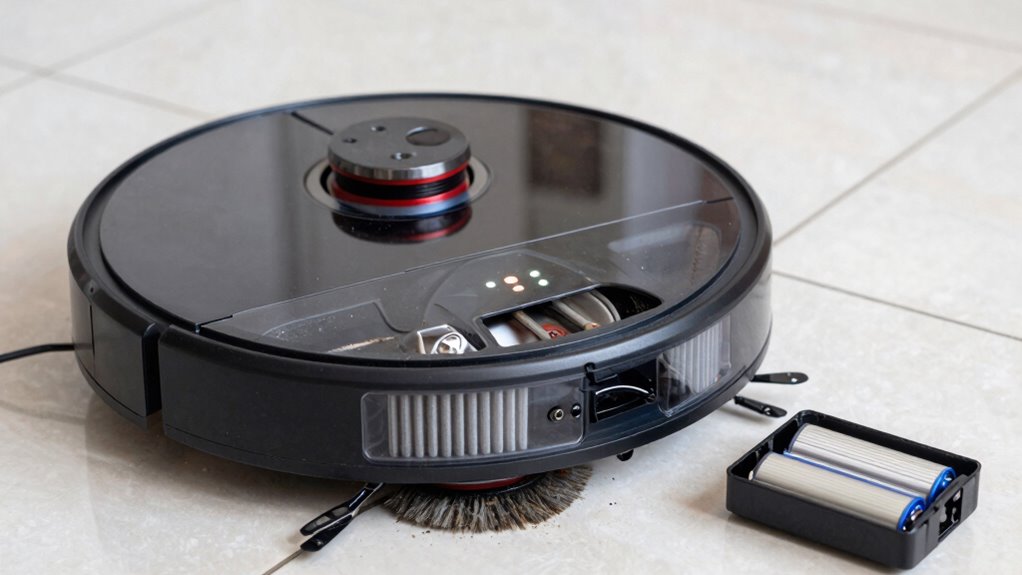

To keep your robot vacuum running smoothly, regularly clean and replace filters and brushes to prevent dust buildup and tangles that hinder performance. Make sure your device’s battery is charged properly by maintaining a consistent routine and cleaning the charging contacts. Worn-out brushes and filters reduce efficiency, so follow manufacturer recommendations for replacements. Staying proactive with these maintenance habits helps extend your vacuum’s lifespan and keeps it at peak performance; if you want detailed tips, stay with us.
Key Takeaways
- Regularly check and replace or clean filters to maintain strong suction and airflow.
- Remove hair and debris from brushes frequently to ensure effective cleaning.
- Keep the charging station unobstructed and clean contacts for reliable charging.
- Follow manufacturer guidelines to replace filters and brushes periodically for optimal performance.
- Establish consistent charging routines to prevent battery degradation and ensure device readiness.
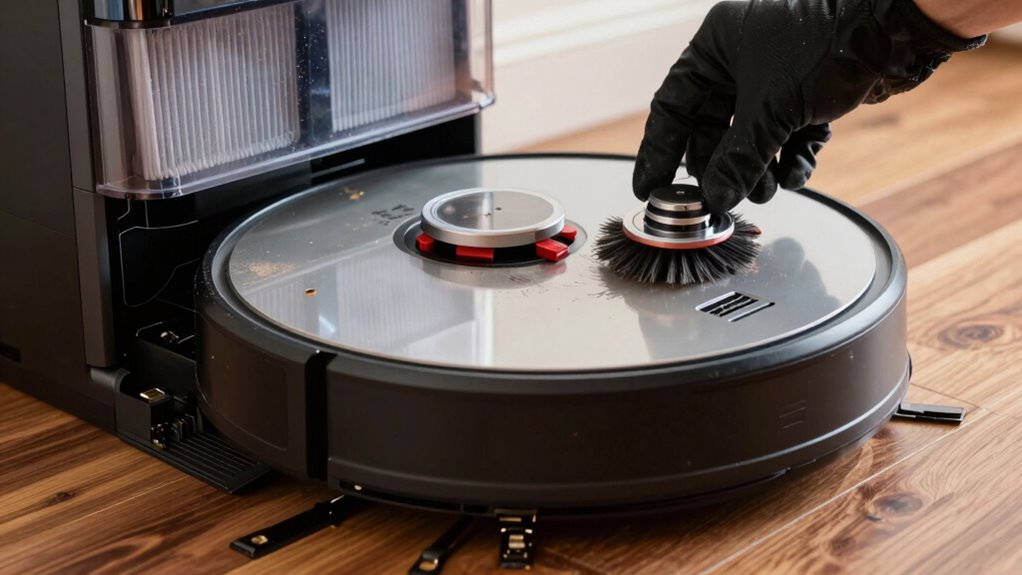
Have you ever wondered why your robot vacuum isn’t cleaning as effectively as it used to? One common culprit is dust buildup, which can clog filters and reduce suction power. Over time, dust and debris accumulate in the filters, making it harder for your vacuum to pick up dirt. Regularly checking and replacing or cleaning these filters keeps airflow unobstructed, guaranteeing peak performance. Don’t forget to inspect the brushes, as tangled hair and debris can hinder their spinning motion and reduce cleaning efficiency. Removing hair and debris from brushes regularly helps them rotate freely and reach every corner. If you notice brushes aren’t spinning properly, it’s probably time for a thorough cleaning or replacement.
Charging routines also play a vital role in maintaining your robot vacuum’s effectiveness. When your vacuum isn’t charging properly, it might not have enough power to complete cleaning cycles or return to its dock efficiently. Make sure you place the charging station in an open, unobstructed area, and regularly clean the charging contacts on both the station and the vacuum. Dirty contacts can prevent proper charging, leading to insufficient power during cleaning sessions. Establishing consistent charging habits is key—plug your vacuum in after each use, especially if it’s running low on battery. This guarantees your vacuum is always ready to go when scheduled or needed, preventing weak batteries from compromising cleaning quality. Proper battery habits ensure your device maintains optimal performance over time. Additionally, understanding the importance of regular maintenance can help avoid unexpected malfunctions.
In addition to dust buildup and charging routines, pay attention to the condition of the brushes and filters. Worn-out brushes lose their effectiveness, and old filters can’t trap dust as efficiently, which can lead to poor indoor air quality and less clean floors. Replace filters and brushes according to your vacuum’s manufacturer recommendations, usually every few months or after a certain number of cleaning cycles. Keeping a regular maintenance schedule prolongs the lifespan of your device and saves you from costly repairs down the line. Regular preventive maintenance can also help identify issues early before they become major problems. Incorporating proper cleaning techniques into your routine can further extend the life of your vacuum’s components.
Finally, remember that your robot vacuum is an intricate machine that benefits from regular attention. Dust buildup can be managed by frequent cleaning of filters and brushes, and maintaining proper charging routines ensures it’s always ready for the next job. Being familiar with the internal mechanisms of your device can help you troubleshoot issues more effectively. By staying proactive with these habits, you’ll keep your robot vacuum performing at its best, making your cleaning routine easier and more effective.
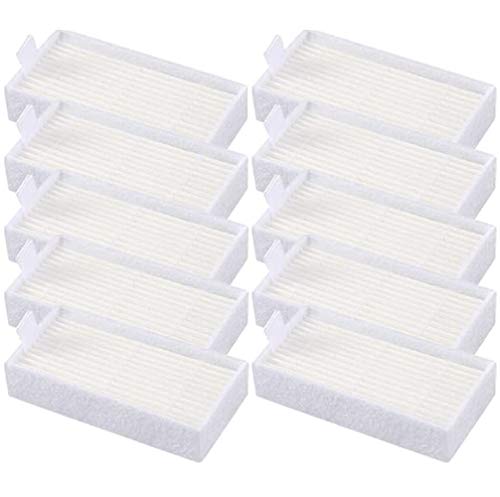
10pcs HEPA Filters Replacement for ILIFE V3s V3s pro V5 V5s V5s Pro V5s Pro 2 V5s Plus Noisz S5 Robotic Vacuum Cleaner ILIFE V3s pro Filters ILIFE Robot Vacuum Filter
- Compatible with ILIFE Models: V3s, V3s pro, V5, V5s, V5s Pro, V5s Plus, Noisz S5
- High-Quality HEPA Material: Efficient filtration for cleaner air
- Easy to Replace: Simple installation for maintenance
As an affiliate, we earn on qualifying purchases.
As an affiliate, we earn on qualifying purchases.
Frequently Asked Questions
How Often Should I Replace the Robot Vacuum’s Filters?
You should replace your robot vacuum’s filters every 1 to 3 months, depending on usage and the manufacturer’s recommendations. Regular filter maintenance guarantees peak suction and air quality. Keep an eye on the filter’s condition—if it looks dirty or clogged sooner, replace it sooner. Following the proper replacement schedule helps your vacuum perform efficiently and extends its lifespan, making your cleaning routine more effective and hassle-free.
Can I Use Generic Filters Instead of Brand-Specific Ones?
Yes, you can use generic filters instead of brand-specific ones, but you need to verify filter compatibility first. Brand vs. generic filters might differ in size, fit, and filtration quality. If the generic filter fits securely and offers comparable filtration, it can be a cost-effective alternative. Always guarantee the filter maintains proper airflow and suction to keep your robot vacuum working efficiently.
What Are Signs My Robot Vacuum’s Brushes Need Replacement?
Did you know that over 60% of robot vacuum users overlook brush wear? If your vacuum’s brushes are worn, you’ll notice increased motor noise and reduced cleaning efficiency. Signs include hair or debris tangled in the brushes, uneven spinning, or visible damage. If brushes look frayed or misshapen, it’s time to replace them. Keeping an eye on these signs helps maintain peak performance and prolongs your vacuum’s lifespan.
How Long Does a Typical Robot Vacuum Battery Last?
A typical robot vacuum battery lasts about 1 to 2 years, depending on your charging habits and usage. If you frequently let the battery drain completely or overcharge it, the battery lifespan shortens. To maximize battery life, keep the battery charged between 20% and 80%, and avoid leaving it plugged in constantly. Proper charging habits help your vacuum run efficiently and extend its overall battery longevity.
Is It Safe to Leave My Robot Vacuum Charging Overnight?
Leaving your robot vacuum charging overnight is like leaving a candle burning—generally safe if it’s designed for it. Most modern vacuums have built-in safety features, making overnight charging safe and convenient. However, always check the manufacturer’s instructions for specific charging safety advice. To keep things safe, confirm the charging area is well-ventilated, the cord isn’t frayed, and your vacuum is compatible with overnight charging to avoid potential hazards.
Conclusion
Keeping your robot vacuum in top shape is simple when you regularly clean filters, brushes, and monitor the battery. These small habits guarantee your device performs efficiently and lasts longer. Don’t you want your robot to keep cleaning without constant interruptions? By staying proactive with maintenance, you’re investing in its longevity and your home’s cleanliness. So, why wait for a breakdown when a little routine upkeep can save you time and hassle?