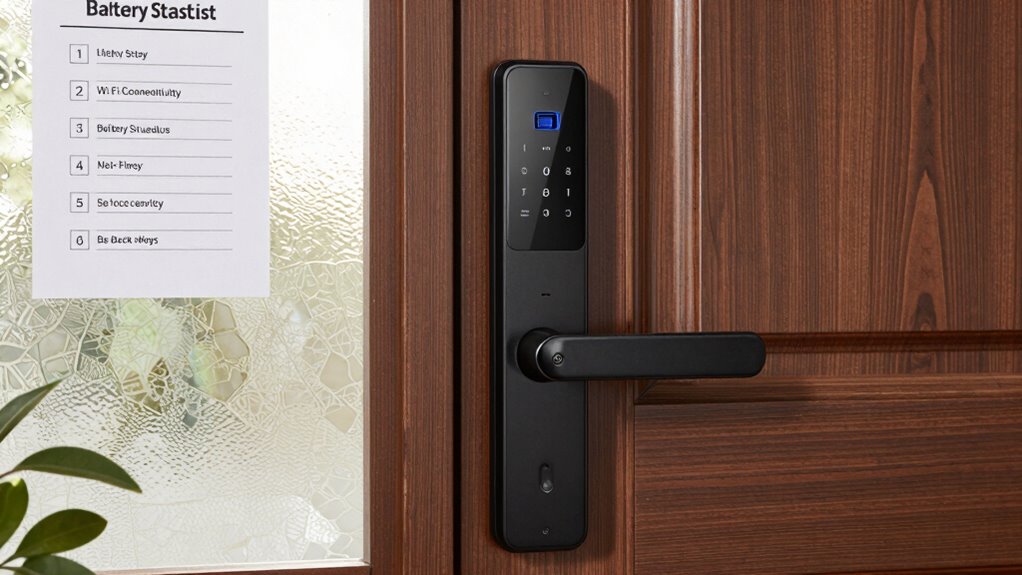

Before buying a smart lock, check your door’s hardware and structure—verify the thickness matches the lock’s requirements and that there’s enough space for handles and deadbolts. Confirm your Wi-Fi or Bluetooth setup and signal strength, since these impact performance. Make sure your network supports necessary security protocols, and consider battery life and backup options. Verifying compatibility with your existing hardware will help avoid installation issues. Keep these points in mind to ensure a smooth upgrade—you’ll find more helpful tips ahead.

Get your wardrobe favorites delivered free with Prime
- Fast, free delivery on millions of items
- Prime Video, Amazon Music and more included
- Member-only deals all year
Key Takeaways
- Verify door thickness and hardware compatibility, including space for lock and handle clearance.
- Check for existing deadbolts if required for smart lock mounting.
- Ensure strong Wi-Fi or Bluetooth signals at the door for reliable connectivity.
- Confirm network security protocols and internet speed support remote access and updates.
- Assess battery options, lifespan, and backup power features for continuous lock operation.
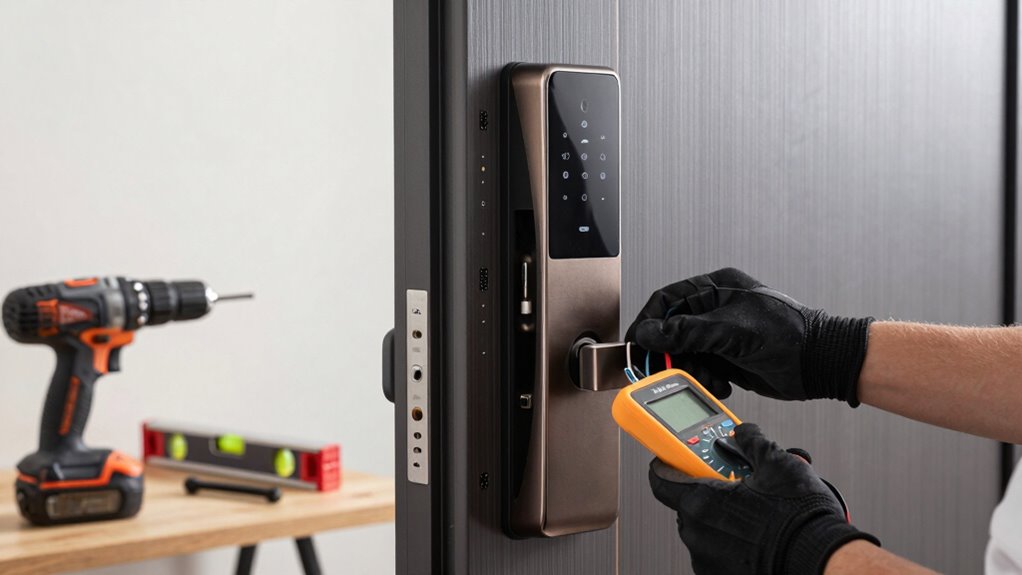
Before you invest in a smart lock, make sure to prepare your door to guarantee compatibility and a smooth installation process. The first step is to assess your door’s existing hardware and structure. Check if your door has a standard thickness—most smart locks fit doors between 1 3/8 to 2 inches thick. If your door is thicker or thinner, you might need an extension kit or a different model. Confirm whether your door has a deadbolt already installed, as many smart locks require one for proper mounting. Also, verify if your door has enough space for the lock and handle, ensuring it won’t interfere with existing hardware or door swings.
Wireless connectivity is a key feature of modern smart locks, so it’s essential to confirm your home’s network setup beforehand. Most smart locks rely on Wi-Fi or Bluetooth to connect with your smartphone or smart home system. If you choose a Wi-Fi-enabled lock, ensure your Wi-Fi signal is strong near the door to prevent connectivity issues. Bluetooth models, on the other hand, typically require close-range access during setup and use. Knowing your network’s capabilities helps you pick a lock that integrates seamlessly with your smart home ecosystem. Additionally, check if your Wi-Fi network supports the security protocols needed by your chosen lock, such as WPA3, for safer operation. It’s also helpful to verify the network compatibility to avoid potential setup problems. Ensuring your home network supports these protocols can save you troubleshooting time later. Furthermore, understanding your home’s internet speed can influence the performance of the smart lock’s features, especially if it relies heavily on constant connectivity. A strong network connection is essential for remote operation and updates.
Ensure your Wi-Fi signal is strong near the door and verify network security protocols like WPA3 for seamless smart lock integration.
Battery life is another critical factor. Many smart locks operate on batteries, and you don’t want to find yourself locked out because of dead batteries. Look for models with long-lasting batteries, and check how often they recommend replacing or recharging them. Some locks feature low-battery alerts, which give you a heads-up before the power runs out. Consider whether the lock uses standard batteries like AA or if it has a rechargeable option. If battery life is a concern, opt for a lock with a backup power source, such as a physical key or a micro-USB port, so you can still access your home in emergencies. Additionally, understanding the door hardware compatibility ensures your smart lock will integrate properly without requiring extensive modifications. Having compatible hardware can prevent unexpected installation challenges and make the upgrade process smoother.
As an affiliate, we earn on qualifying purchases.
Frequently Asked Questions
Are Smart Locks Compatible With All Door Types?
Smart locks aren’t compatible with all door types. Your door material, like wood, metal, or fiberglass, affects compatibility, and some smart locks work better with specific materials. Additionally, the lock mechanism on your door, such as a deadbolt or latch, influences whether a smart lock will fit and function properly. Before buying, check the product specifications to confirm your door’s material and lock mechanism align with the smart lock’s requirements.
Can Smart Locks Be Installed Without Professional Help?
Did you know that over 40% of homeowners install smart locks themselves? Yes, you can typically do it without professional help if your door is compatible. Many smart locks offer keyless convenience and easy home automation integration, making setup straightforward. Just follow the manufacturer’s instructions, guarantee your door’s prepared correctly, and you should be able to install your smart lock yourself, enjoying enhanced security and convenience in no time.
Do Smart Locks Require Wi-Fi or Bluetooth Connectivity?
Smart locks typically need wireless protocols like Wi-Fi or Bluetooth to connect with your smartphone or home network. This connectivity allows you to lock or open remotely and receive notifications. They also require a reliable power source, such as batteries or wired power, to operate smoothly. Without Wi-Fi or Bluetooth, the smart features won’t work, and you’ll need to rely on physical keys or manual operation instead.
How Secure Are Smart Locks Against Hacking?
Smart locks can be quite secure if they use strong encryption protocols, which protect your data from hacking vulnerabilities. However, no device is entirely immune; hackers may exploit overlooked security flaws. To stay safe, choose models with up-to-date security features, regularly update firmware, and use complex passwords. While smart locks offer convenience, being aware of potential hacking vulnerabilities helps you better safeguard your home.
What’s the Typical Battery Life of a Smart Lock?
A smart lock’s battery lifespan typically lasts between six months to a year, depending on usage and model. You can prolong this by practicing good power management—like turning off features when not in use and choosing models with low power consumption. Regularly check the battery status via the app or lock indicator to avoid unexpected lockouts. Proper maintenance ensures your smart lock stays functional and secure over time.
Conclusion
Before installing a smart lock, remember that your door is more than just an entry point—it’s a symbol of security and trust. Preparing it properly guarantees your peace of mind and protection. Think of this checklist as the key to releasing not just convenience, but a sense of safety that extends beyond the door. When you’re ready, you open more than just a lock—you open a new chapter of confidence in your home.
Halloween Picks
halloween
As an affiliate, we earn on qualifying purchases.