
Choosing between NVR and cloud storage for your security footage depends on your needs for security, privacy, and budget. If you prefer local control and want to avoid ongoing costs, an NVR might suit you best, but it requires technical setup. If you value remote access, easy scalability, and lower upfront costs, cloud storage could be the right fit. To find the perfect solution for your lifestyle, explore the details ahead.

Get your wardrobe favorites delivered free — and shop member deals
- Fast, free delivery on millions of items
- Access to Prime Big Deal Days deals on October 6–7
- Prime Video, Amazon Music and more included
Key Takeaways
- Choose NVR for local control, higher privacy, and stable internet independence; opt for cloud for remote access and easier management.
- Consider security: NVR offers physical and network security; cloud relies on provider encryption and security protocols.
- Budget-wise, NVR has higher upfront costs but lower long-term expenses; cloud involves recurring subscription fees.
- For scalability, cloud storage easily expands; NVR may require hardware upgrades for additional cameras or storage.
- Assess your internet reliability and privacy concerns to select the setup that best fits your security and convenience needs.
As an affiliate, we earn on qualifying purchases.
What Are NVR and Cloud Storage for Security Footage?
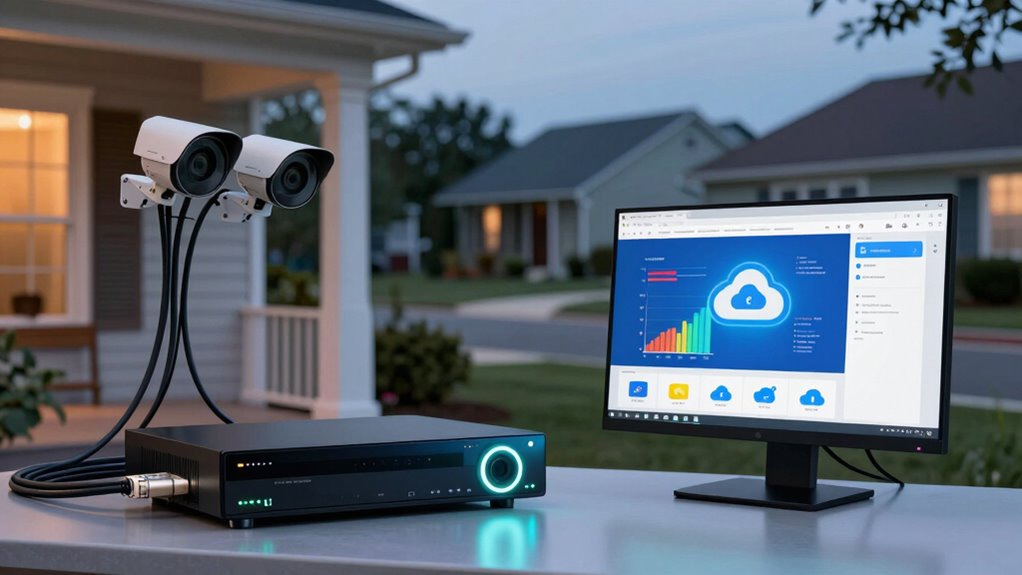
Network Video Recorders (NVRs) and cloud storage are two common options for storing security footage. With NVRs, you can control camera placement more easily, ensuring you capture high-quality footage resolution where it matters most. Proper camera placement enhances coverage and helps you avoid blind spots, making the footage more useful for security needs. Cloud storage offers the convenience of remote access and automatic backups, but it depends on a stable internet connection. Both options prioritize footage resolution, which directly impacts the clarity and detail of your recordings. Choosing between them depends on your specific security requirements, budget, and preference for local versus remote storage. Clear camera placement and high footage resolution are essential for effective surveillance, regardless of which storage method you choose. Additionally, leveraging European cloud innovation ensures your data is stored securely and sustainably.
How Do NVR Systems Work, and What Are Their Key Features?

NVR systems operate by connecting multiple security cameras to a central device that records and manages footage. The NVR processes video streams, often supporting high camera resolution for clear images. You can customize settings like frame rate and resolution to balance video quality and storage needs. These systems typically feature user-friendly interfaces for easy monitoring and playback. Key features include motion detection, real-time alerts, and remote access via smartphones or computers. Power consumption varies depending on the number of cameras and their resolution; higher resolution cameras generally require more power. NVRs often come with expandable storage options, allowing you to increase capacity as needed. Additionally, free floating technology can be integrated to enhance camera placement flexibility, making the system adaptable to various environments. Moreover, incorporating security protocols ensures your footage remains protected from unauthorized access. The system’s compatibility with smart home integration further enhances its functionality and convenience. Overall, they provide a reliable, integrated solution for managing security footage efficiently.
What Are the Benefits and Drawbacks of Cloud Storage?
Cloud storage offers you easy access and convenience, letting you view footage from anywhere. However, you should consider data security concerns, as your footage is stored off-site and might be vulnerable. Additionally, ongoing subscription costs can add up over time, impacting your budget. As part of a comprehensive smart home setup, local automation can help you manage security efficiently without extra costs. It is also important to evaluate trusted service providers to ensure your footage remains secure and reliable. Being aware of affiliate relationships ensures transparency and helps you make informed decisions when choosing storage options. Understanding the security implications of off-site storage allows you to better protect your valuable footage and personal information. Moreover, understanding fundamental security principles can help you implement layered defenses to safeguard your data effectively.
Accessibility and Convenience
Cloud storage offers significant convenience by allowing you to access your footage from anywhere with an internet connection. This means you can monitor your security feeds in real-time, whether you’re at work or on vacation. The video resolution remains clear, so you can identify details easily. Plus, cloud providers often use data encryption to protect your footage during transmission and storage, ensuring your privacy. You don’t need to carry physical devices or worry about hardware failures, making it highly reliable. Additionally, filtration and data security are crucial factors that cloud storage providers typically prioritize to safeguard your footage. Cloud storage also simplifies maintenance and updates, reducing the need for manual intervention and ensuring your system stays current with the latest security features. Properly selecting a cloud provider’s security protocols is vital to maintaining your footage’s safety. Ensuring your provider employs regular security audits can further bolster your footage’s protection against potential breaches. Moreover, cloud storage providers often offer automated backups, which add an extra layer of protection against data loss. However, a stable internet connection is essential for seamless access, and streaming high-resolution footage can consume considerable bandwidth. Overall, cloud storage makes your security footage highly accessible and convenient, but it’s important to contemplate your internet speeds and data plans to maximize these benefits.
Data Security Concerns
While cloud storage offers unmatched convenience for accessing your footage remotely, it also raises important questions about data security. Your footage is stored on external servers, which means your data encryption becomes vital to protect against unauthorized access. If cloud providers don’t implement strong encryption, your footage could be vulnerable to cyber threats. Additionally, concerns about user privacy arise because your data is stored off-site and managed by third parties. You need to trust that the provider safeguards your footage and respects your privacy rights. Data encryption protocols** are essential to ensure your footage remains secure from potential breaches. Implementing end-to-end encryption can further enhance security by protecting data during transmission and storage. The use of third-party cookies** for analytics and ads underscores the importance of selecting providers that prioritize user data security. While cloud storage simplifies access and sharing, these security considerations highlight the importance of choosing reputable providers with robust encryption protocols. Ultimately, understanding how your data is secured helps you make an informed decision aligned with your security needs.
Ongoing Subscription Costs
Although cloud storage offers the convenience of remote access and automatic backups, it also comes with ongoing subscription costs that can add up over time. You’ll need to budget for these fees, which can vary based on your camera installation, storage amount, and service provider. These costs can impact your long-term expenses, especially if you require frequent footage retrieval or high storage capacity. While cloud storage eliminates the need for physical hardware and maintenance, the recurring payments might make it less budget-friendly over years. If you prefer predictable costs, NVR systems might be better. However, if you value ease of access and automatic backups, you’ll have to weigh these benefits against the ongoing subscription expenses. Additionally, consider the security and privacy implications associated with storing footage remotely on cloud servers. Understanding the data encryption practices of your provider can help protect your footage from unauthorized access. Be aware that data management policies can also influence how your footage is stored and retained.
How Do Costs Compare Between NVR and Cloud Storage?
When comparing costs, NVR systems typically require a larger upfront investment for hardware and installation, whereas cloud storage often involves ongoing subscription fees. The pricing comparison shows that with NVR, you’ll pay more initially, but once set up, costs stay relatively stable. Cloud storage, on the other hand, may seem affordable at first, but monthly or annual subscription fees add up over time. For long term affordability, NVR might save you money if you prefer a one-time purchase and minimal ongoing expenses. Additionally, hosting and VPS services like domain registration or hosting coupons can help reduce overall costs if you choose to supplement your security setup with affordable online solutions. Moreover, some NVR systems offer remote access capabilities that can enhance security without additional costs. However, cloud storage offers flexibility and scalability, making it easier to adjust plans based on your needs. Your choice depends on your budget, how much you’re willing to invest upfront, and whether predictable expenses or flexible storage options matter more to you. It’s also worth considering the security and reliability of each option, as they can impact your peace of mind over time.
What Are the Security and Privacy Risks of Each Option?
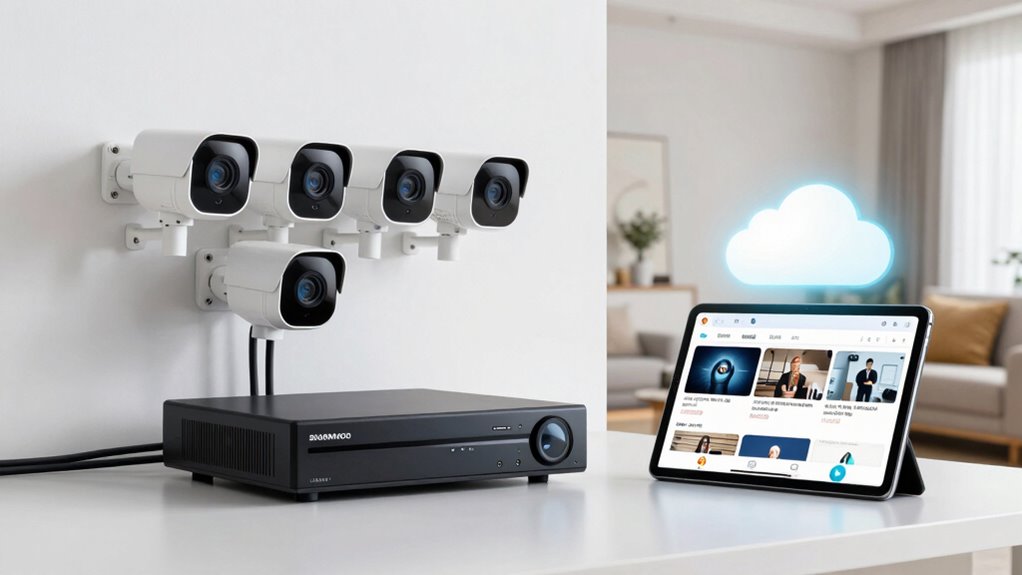
Both NVR and cloud storage options present distinct security and privacy risks that you should consider. With NVR systems, privacy concerns arise if someone gains physical access or if the device is vulnerable to hacking. Data breaches can expose your footage if the network isn’t secured properly. Cloud storage, on the other hand, involves uploading footage to third-party servers, which raises privacy concerns about who can access your videos. Data breaches in cloud services can lead to unauthorized viewing of your footage or even data theft. While cloud providers typically implement strong security measures, no system is completely immune. Understanding these risks helps you decide which setup aligns best with your comfort level regarding privacy and security, especially when considering power tools and heavy-duty equipment that require secure storage solutions. Additionally, it’s important to recognize that psychological defense mechanisms, such as denial or projection, can influence how individuals perceive or respond to these security concerns. Being aware of potential security vulnerabilities can help you make a more informed decision based on your personal privacy preferences and risk tolerance.
Is Setting Up and Maintaining NVR or Cloud Storage Easy?
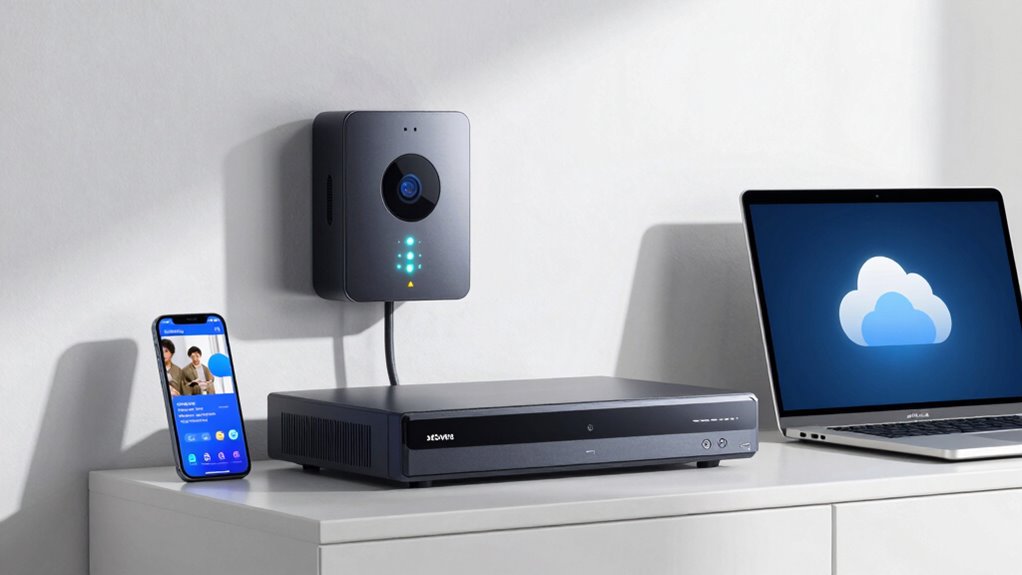
Setting up and maintaining your NVR or cloud storage isn’t always straightforward, and the process can vary in complexity. You’ll need to contemplate how much time and effort each option requires for ongoing upkeep. Additionally, access to technical support can make a big difference in how smoothly you manage your system.
Setup Complexity and Ease
Setting up an NVR or cloud storage system varies in complexity, but generally, NVRs require more technical know-how, while cloud solutions tend to be easier for most users. With an NVR, you’ll face higher installation complexity, often needing to connect hardware and configure networks. In contrast, cloud storage offers user-friendly interfaces that simplify setup, usually accessible through an app or web portal.
Consider these points:
- NVRs may need detailed wiring and network setup
- Cloud setup typically involves creating an account and installing an app
- NVRs demand some technical skills for initial configuration
- Cloud solutions are designed for quick, intuitive installation
Maintenance Requirements and Time
Maintaining an NVR system typically requires more ongoing effort than cloud storage solutions. You’ll need to perform regular maintenance tasks such as checking hardware connections, updating firmware, and managing storage capacity. The setup procedures can be more involved initially, requiring physical installation and configuration of devices. Over time, you’ll spend additional time troubleshooting issues like hardware failures or connectivity problems. In contrast, cloud storage demands minimal maintenance; once set up, it mostly runs automatically. You may occasionally need to review account settings or upgrade subscription plans, but these tasks are generally quicker and less technical. Overall, cloud solutions simplify ongoing maintenance, allowing you to focus less on technical upkeep and more on enjoying your security system.
Technical Support Accessibility
When it comes to technical support accessibility, cloud storage typically offers a more user-friendly experience than NVR systems. Setting up cloud solutions usually involves straightforward steps, often guided by apps or online support, making adjustments simple. You don’t need to worry about managing hardware or troubleshooting complex issues like video resolution or power consumption directly. In contrast, NVR systems may require technical knowledge for installation and ongoing maintenance, which can be time-consuming. With cloud storage, you benefit from professional support, regular updates, and remote assistance.
- Easy onboarding via app or website
- Quick troubleshooting for video quality issues
- Automated updates improve performance
- Less hands-on maintenance overall
Can You Access Your Footage Remotely With NVR and Cloud Storage?

Can you access your footage remotely with NVR and cloud storage? Yes, both setups support remote access, making footage management more flexible. With an NVR system, you typically use a secure app or web portal to view live feeds or playback recordings from anywhere. However, you’ll need to set up port forwarding or VPNs for remote access, which can be technical. Cloud storage simplifies remote access; you just log into your account through a smartphone or computer, no extra configuration needed. This ease of access allows you to monitor your property anytime, anywhere. Whether you prefer local footage management via NVR or cloud-based access, both options provide the convenience of viewing your footage remotely, giving you peace of mind and control.
How Much Storage Do You Need, and Can You Scale Over Time?

Understanding how much storage you need depends on the number of cameras, recording quality, and desired retention period. To determine your storage capacity, consider these factors:
- Higher resolution videos require more space.
- Longer retention periods increase storage needs.
- More cameras capture more footage to store.
- Scalability options allow you to expand storage as your needs grow.
Choosing a setup with flexible scalability options guarantees you won’t outgrow your storage prematurely. Whether you start small or anticipate future expansion, look for solutions that let you upgrade easily. Cloud storage often offers seamless scalability, while NVR systems may require hardware upgrades or additional drives. Assess your current requirements and forecast future growth to select a setup that aligns with your security needs and budget. This approach helps you avoid costly over- or under-provisioning down the line.
Which Storage Solution Is Best for Homeowners, Small Businesses, or Large Enterprises?

When choosing between NVR and cloud storage, consider how scalability and costs align with your needs. Security and ease of access also play a crucial role in protecting your data and ensuring quick retrieval. Understanding these factors helps you pick the best solution for your home, small business, or large enterprise.
Scalability and Cost Efficiency
Choosing between NVR and cloud storage depends heavily on your needs for scalability and cost efficiency. Cloud storage offers flexible plans that grow with your needs, making it ideal for expanding businesses or larger setups. It often includes features like cloud encryption to protect your footage and data redundancy to prevent data loss. NVR systems, on the other hand, require upfront hardware investments but can be more cost-effective long-term for smaller setups. Consider these points:
- Cloud storage scales easily without hardware upgrades
- NVR systems require physical hardware expansions
- Cloud plans can become costly with increased storage needs
- NVRs involve initial hardware costs but stable expenses afterward
Your choice hinges on balancing immediate costs with future growth and security needs.
Security and Accessibility
Are you trying to determine which storage solution offers the best security and accessibility for your needs? With NVRs, your footage stays on-site, giving you direct control over digital privacy and eliminating concerns about data breaches. Data encryption is typically managed locally, ensuring your recordings are protected from remote hacking. Cloud storage, on the other hand, provides easy access from anywhere, which is great for remote monitoring but raises questions about digital privacy. Reputable cloud providers use advanced data encryption to safeguard your footage, but you rely on their security measures. For small businesses or large enterprises, choosing between the two depends on your security standards and accessibility needs. Both options can be secure, but understanding how each handles data encryption and privacy is key to making the right choice.
What Factors Should You Consider to Pick the Right Security Storage Solution?
Selecting the right security storage solution requires careful consideration of several key factors. First, assess your privacy concerns—will you be comfortable with remote access or storing footage in the cloud? Next, evaluate data encryption; assure your footage is protected both during transfer and storage. Consider your network reliability, as cloud solutions depend on stable internet, while NVRs work offline. Cost is also important—balance upfront investments with ongoing fees. In conclusion, think about scalability—will your storage needs grow over time? To summarize:
- Privacy concerns and data encryption
- Network stability and internet reliability
- Budget and long-term costs
- Future scalability and storage capacity
Frequently Asked Questions
How Reliable Is Internet Connectivity for Cloud-Based Security Footage?
Your internet stability considerably impacts the reliability of cloud-based security footage. If your connection is stable and fast enough, bandwidth requirements are manageable, ensuring smooth uploads and quick access. However, if your internet fluctuates or is slow, you might experience lag or missed footage. To guarantee reliability, check your bandwidth and consider upgrading if you rely heavily on cloud storage, especially for high-resolution or continuous recordings.
Can NVR or Cloud Storage Handle High-Definition Video Recordings?
Yes, both NVR and cloud storage can handle high-definition video recordings, but it depends on your setup. NVRs often offer larger storage capacity and support higher video resolution, making them ideal for HD footage. Cloud storage can also manage HD videos, but you might need a plan with increased storage capacity to keep high-res recordings. Consider your needs for video resolution and storage capacity when choosing the right setup.
What Are the Legal Considerations for Video Storage and Privacy?
You need to consider privacy regulations and data encryption when storing video footage. Failing to comply could lead to legal trouble or privacy breaches. Stay proactive by understanding local laws and ensuring your storage method encrypts data securely. Remember, mishandling footage can compromise privacy and trust. Keep your setup compliant and protected, so you’re confident your recordings respect everyone’s rights and stay safe from legal issues.
How Do Data Recovery Options Differ Between NVR and Cloud Storage?
You’ll find that data recovery options differ considerably between NVR and cloud storage. With an NVR, you can perform local backups for quick recovery, but if the device fails, access might be limited without physical access. Cloud storage offers remote access, making recovery easier from anywhere, and often includes automated backups. However, relying solely on cloud means trusting the provider’s data security and recovery processes.
Are There Compatibility Issues With Existing Security Camera Systems?
Like a puzzle piece fitting perfectly, your existing security camera system may face compatibility issues when integrating with new storage options. You need to check camera compatibility to guarantee system integration runs smoothly. Some cameras might not connect seamlessly with NVRs or cloud services, requiring adapters or upgrades. Always verify compatibility beforehand, so your setup remains reliable and efficient without surprises or gaps in security footage.
Conclusion
Choosing between NVR and cloud storage is like picking the perfect key for your security castle. Both open doors to safety, but one might fit better in your hand than the other. Consider your needs, budget, and privacy concerns—then lock in your decision. Whichever path you choose, you’re crafting a fortress around your world, ensuring peace of mind as your security system stands guard like a silent sentinel under the night sky.
Fall Picks
fall essentials
As an affiliate, we earn on qualifying purchases.