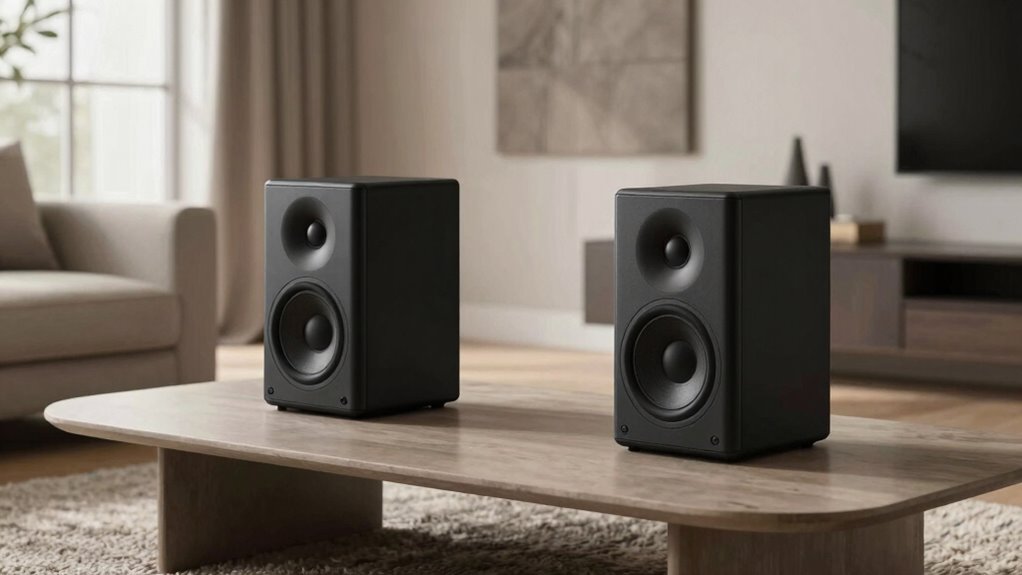

To improve your smart speaker’s sound and reduce echo, place it in a central, open area away from walls, corners, and reflective surfaces like glass or tile. Keep it at ear level on a stable surface and use soft furnishings nearby to absorb sound. Avoid placing it near loud appliances and noise sources. Conduct voice tests and adjust the position as needed. For more tips on perfect placement, you’ll find useful insights to enhance your setup further.

Get your wardrobe favorites delivered free with Prime
- Fast, free delivery on millions of items
- Prime Video, Amazon Music and more included
- Member-only deals all year
Key Takeaways
- Place the speaker in a central, open area away from walls and reflective surfaces to promote even sound distribution.
- Position at ear level on stable, elevated surfaces to enhance sound projection and microphone pickup.
- Use soft furnishings like rugs and curtains to absorb sound and reduce echoes in the room.
- Keep the device away from noise sources like TVs, radios, or appliances to improve voice recognition.
- Test and adjust the placement based on sound clarity and command accuracy for optimal performance.
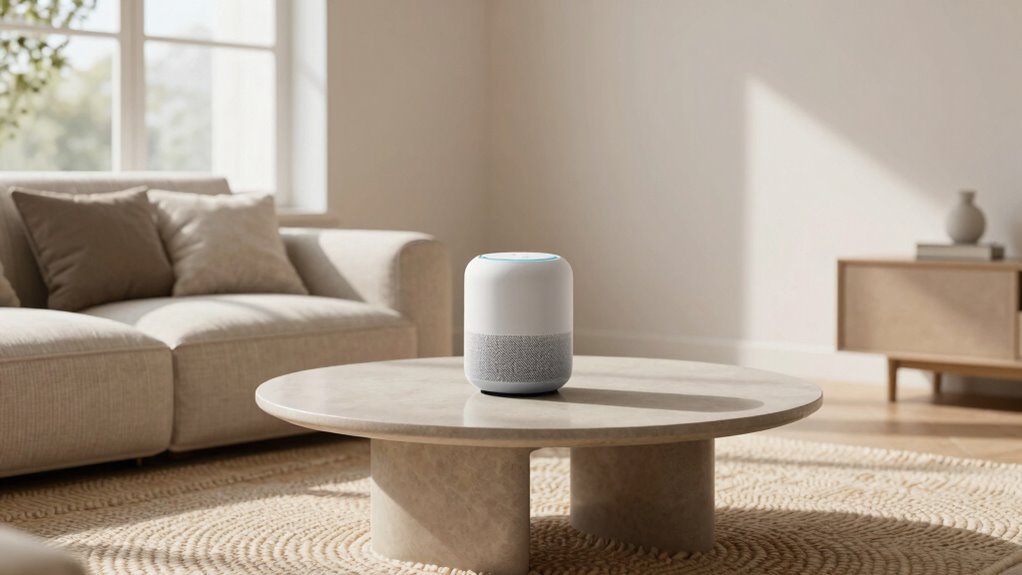
Are you wondering how to get the best sound and functionality from your smart speaker? The key lies in thoughtful placement and proper setup. When you position your speaker correctly, you enhance voice recognition, making it easier for your device to understand commands, and improve overall sound quality. To do this effectively, start by considering speaker calibration. Many smart speakers have built-in calibration features that analyze the room’s acoustics, so take advantage of these settings if available. Running a calibration process helps your device maximize sound output based on the room’s size, shape, and furnishings, reducing echoes and echoes that can distort audio clarity.
Next, pay attention to where you place your smart speaker. Avoid placing it in tight corners or against walls, as these spots tend to amplify reflections and cause echoing, which hampers both sound quality and voice recognition. Instead, position your speaker in a central, open area where sound can disperse evenly. A spot that isn’t too close to reflective surfaces like glass or tile helps prevent sound bouncing back, creating a clearer listening environment. If your room has a lot of hard, reflective surfaces, consider adding soft furnishings—like rugs, curtains, or cushions—that absorb sound and minimize echo. Understanding the room acoustics can greatly influence how well your device performs.
Place your smart speaker centrally, away from walls and reflective surfaces, to improve sound quality and voice recognition.
Another essential aspect is the height at which you position your smart speaker. Placing it at ear level ensures you get peak sound pickup and projection, helping voice recognition work more smoothly. If your speaker has a 360-degree microphone, placing it on a stable, elevated surface allows it to pick up your voice from different angles more effectively. Be mindful of background noise—keeping the area quiet when issuing commands improves voice recognition accuracy. Also, avoid placing your smart speaker near competing sound sources, such as a TV or radio, which can interfere with its ability to hear you clearly. Proper room layout and positioning are vital in managing sound reflections, which directly impact echo and audio clarity.
Finally, don’t forget to test your setup. Once placed, give your speaker a few voice commands and listen carefully. Adjust its position if you notice sound distortion or if it struggles to understand you. Many smart speakers can be fine-tuned through app settings, where you can tweak microphone sensitivity or run additional calibration routines. Additionally, placing your device in an environment with minimized background noise can further improve its voice recognition performance. With a careful placement strategy that accounts for speaker calibration, you’ll enjoy richer sound, clearer voice commands, and a more seamless smart home experience overall.
As an affiliate, we earn on qualifying purchases.
Frequently Asked Questions
Do Smart Speakers Need to Be Near Wi-Fi Routers?
Smart speakers don’t need to be right next to your Wi-Fi router, but placing them too far can cause wireless interference, affecting sound quality and connectivity. Keep your smart speaker within a good range of your router to guarantee a strong signal. Also, consider power source placement so cords aren’t stretched or tangled. Proper placement helps minimize interference, providing clearer sound and reliable response from your smart speaker.
How Close Should Smart Speakers Be to Each Other?
Think of your smart speakers as a choir, harmonizing best when they’re close but not crowding each other. Keep them about 6-10 feet apart to guarantee they’re not competing for sound space, which enhances aesthetic integration and user accessibility. Placing them too close can cause echo and muddled voices, while spreading them out too far reduces connectivity. Find the sweet spot where they support each other without overlapping, creating a seamless sound experience.
Can Placement Affect Smart Speaker Voice Recognition?
Yes, placement can greatly affect voice recognition and sound clarity. If your smart speaker is too far from you or obstructed, it may struggle to hear commands clearly. Keep it at a suitable distance, ideally ear level, and avoid placing it behind objects. Proper placement guarantees your voice recognition works efficiently and sound quality stays clear, making interactions smoother and more accurate.
Do Different Room Sizes Impact Speaker Placement?
Sure, room sizes do impact speaker placement, even if you’d rather ignore acoustics. Larger rooms need strategic furniture placement to prevent sound from bouncing and echoing, while smaller spaces demand careful positioning to avoid muffling. Don’t assume one spot fits all; adjust based on room acoustics. Your smart speaker’s voice recognition and sound quality will thank you if you consider how furniture and room size influence sound dynamics.
Should Smart Speakers Be Placed Away From Walls?
Yes, you should place smart speakers away from walls to improve sound quality and reduce echo. Keep them a few inches from the wall to prevent sound reflections that can muddy the audio. Consider aesthetic integration by choosing spots that blend seamlessly with your decor. Proper speaker orientation, facing slightly upward or toward the listening area, enhances clarity and guarantees you get the best listening experience without sacrificing style.
Conclusion
By placing your smart speakers just right, you’ll unleash sound so rich and immersive, it’ll feel like having a personal concert hall in your living room. Say goodbye to echo and hello to crystal-clear music that fills every corner, turning your space into an audio paradise. With perfect placement, you’ll experience sound so powerful, it’ll shake your walls and make your neighbors wonder what magical music is happening inside. Get it right, and your home will never sound the same again!
Halloween Picks
halloween
As an affiliate, we earn on qualifying purchases.