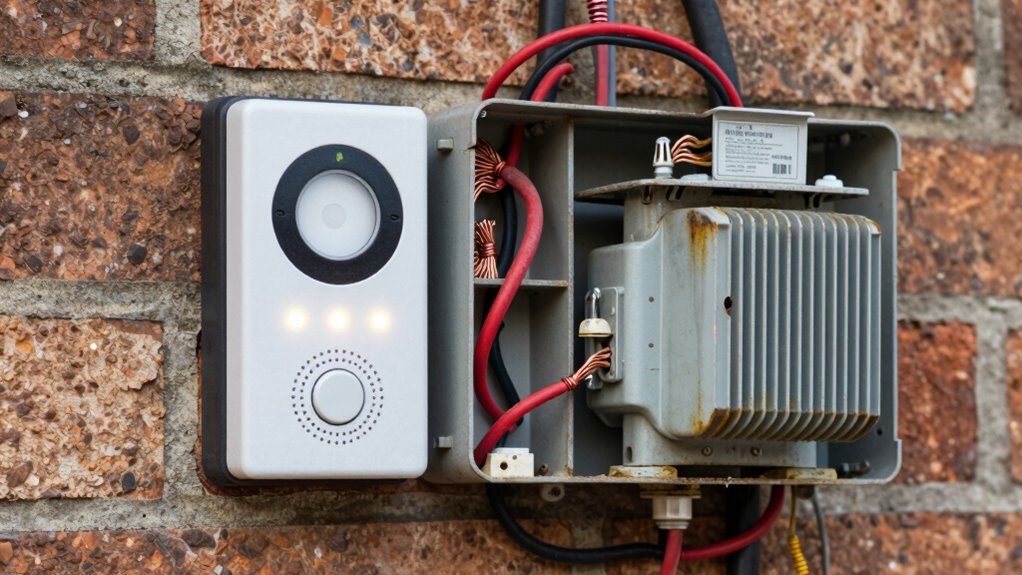

If your video doorbell keeps resetting, has poor video quality, or frequently disconnects, your transformer might not be supplying enough power. Check if your existing transformer’s voltage and current match your doorbell’s requirements; if not, you’ll need an upgrade. Be sure to turn off power and follow safety steps when installing a new transformer. Continue exploring to learn how to determine if your transformer needs replacing and how to do it safely.
Key Takeaways
- Check if your doorbell struggles to turn on or resets frequently, indicating insufficient power.
- Measure your transformer’s voltage output with a multimeter to ensure it meets the 16-24V requirement.
- Verify that your current transformer’s capacity (amperage) can support your video doorbell’s power needs.
- Upgrade your transformer if voltage drops below manufacturer recommendations or if it’s outdated or incompatible.
- Replace the transformer when persistent power issues cause poor video quality, disconnection, or chime malfunctions.
Why Does Your Video Doorbell Need a Power Source?
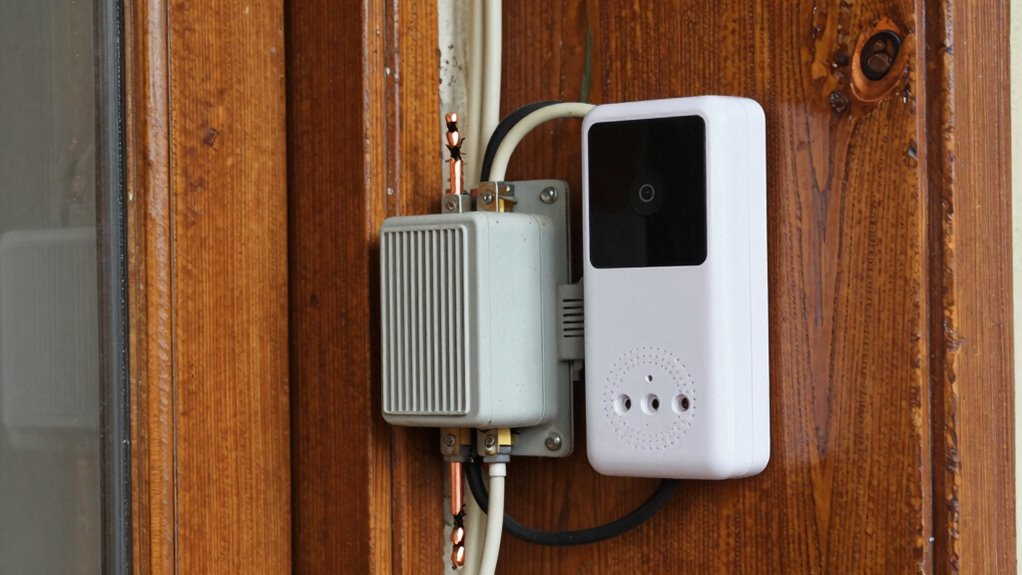
Your video doorbell needs a power source to operate continuously and function properly. Without reliable power, it can’t stay connected or record footage effectively. A steady power supply ensures your device maintains wifi connectivity, which is essential for live streaming and notifications. Many doorbells include a battery backup option to keep operations running during power outages, but these backups are meant to supplement, not replace, a consistent power source. If your doorbell lacks sufficient power, it may experience connectivity issues, reducing its reliability. Proper wiring and ensuring your transformer provides enough power help maintain ideal performance. Additionally, local automation can optimize your doorbell’s functionality and energy use. Ensuring the transformer capacity is sufficient is crucial for maintaining consistent operation and preventing potential issues. A properly rated transformer prevents voltage drops that could cause malfunction or damage. Regularly checking your system’s power requirements can help you identify if an upgrade is necessary. Furthermore, understanding your home’s electrical system can help you troubleshoot and plan for future upgrades. Ultimately, a consistent power source guarantees your doorbell stays online, responds quickly, and keeps your home secure at all times.
How Can You Tell If Your Existing Transformer Isn’t Providing Enough Power?
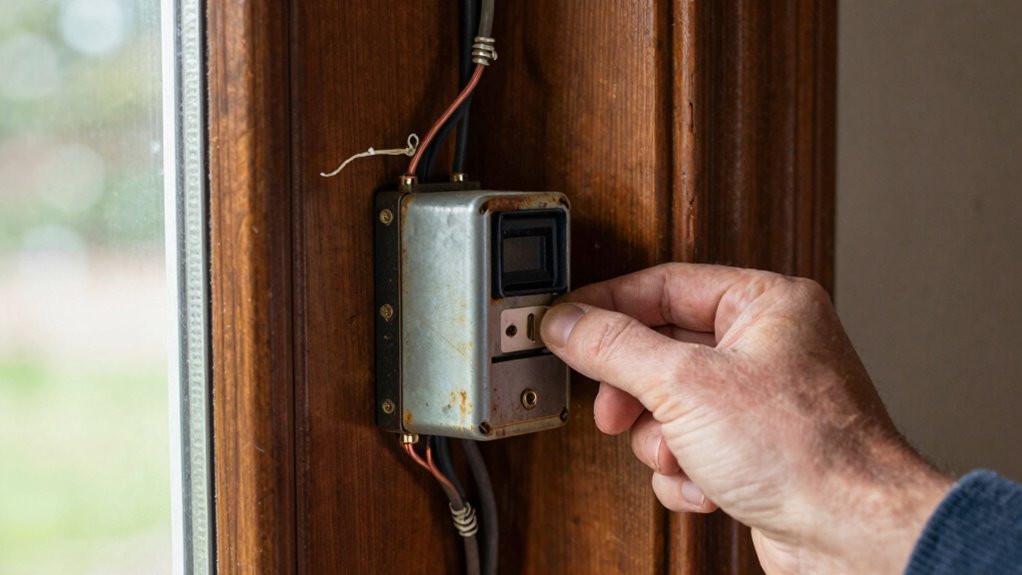
If your video doorbell isn’t performing as expected—such as missing notifications, losing connection, or failing to record footage—it might be due to an underpowered transformer. Signs include inconsistent operation likely caused by inadequate transformer capacity or power fluctuations. To tell if your transformer isn’t providing enough power, check for these indicators:
- The doorbell struggles to turn on or reset frequently.
- Video quality drops or recordings cut out unexpectedly.
- The doorbell frequently disconnects from your Wi-Fi or app.
- Proper wiring and installation are critical to ensure your transformer supplies adequate power, preventing these issues from occurring. Additionally, piercing care and hygiene can help maintain your device’s longevity and proper function by reducing the risk of damage from moisture or debris. Ensuring your system has the adequate transformer capacity is essential for consistent operation and avoiding power-related issues. Regular maintenance and system monitoring can also help detect potential power problems early before they affect performance.
How Do You Check Your Transformer’s Compatibility and Power Output?

Wondering how to verify if your transformer can support your video doorbell? Start by checking the transformer specifications, which are usually printed on its label or datasheet. Look for the voltage (usually 16-24V) and current ratings (measured in amps or VA). Then, consult a compatibility checklist for your doorbell model to see if these specs match. Make sure the transformer provides enough power; undersized units won’t deliver consistent performance. If you’re unsure, use a multimeter to measure the output voltage when the transformer’s connected. Compare your readings to the manufacturer’s recommended specifications. Also, consider the transformer’s power capacity to ensure it can handle additional devices or future upgrades. Understanding your local electrical codes can also help prevent potential safety hazards. Additionally, verifying the transformer’s age and condition can reveal whether it’s still reliable or needs replacement. This process helps confirm whether your existing transformer is suitable or if an upgrade is necessary for excellent doorbell operation.
When Should You Upgrade Your Doorbell Transformer?
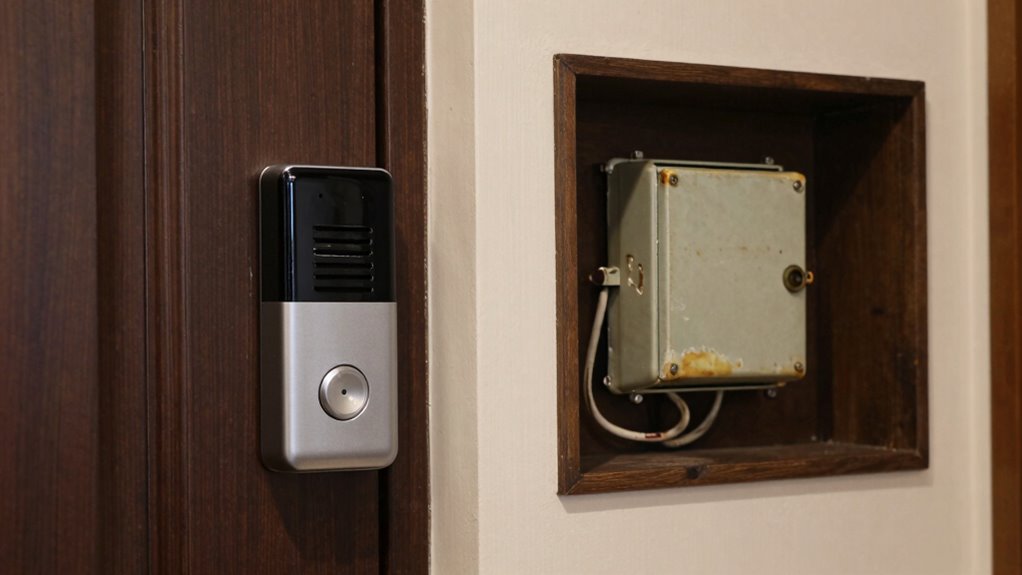
A doorbell transformer needs an upgrade when it can’t reliably power your video doorbell or causes frequent malfunctions. If you notice issues like inconsistent ringing or the doorbell not activating, it’s time to contemplate an upgrade. Common signs include:
- Your doorbell chime doesn’t work properly or isn’t compatible with your new video doorbell.
- The transformer voltage ratings are below the manufacturer’s recommended range, leading to insufficient power.
- You experience frequent resets or power drops, indicating the transformer struggles to support the added load.
- Ensuring your transformer provides the correct voltage support is essential for proper functionality. Additionally, a properly rated transformer helps prevent damage to your device and prolongs its lifespan.
Upgrading ensures your transformer matches your doorbell’s power needs and maintains doorbell chime compatibility, preventing malfunctions and ensuring smooth operation. Don’t overlook these signs—upgrading keeps your system reliable.
How Do You Install a New Doorbell Transformer Safely?
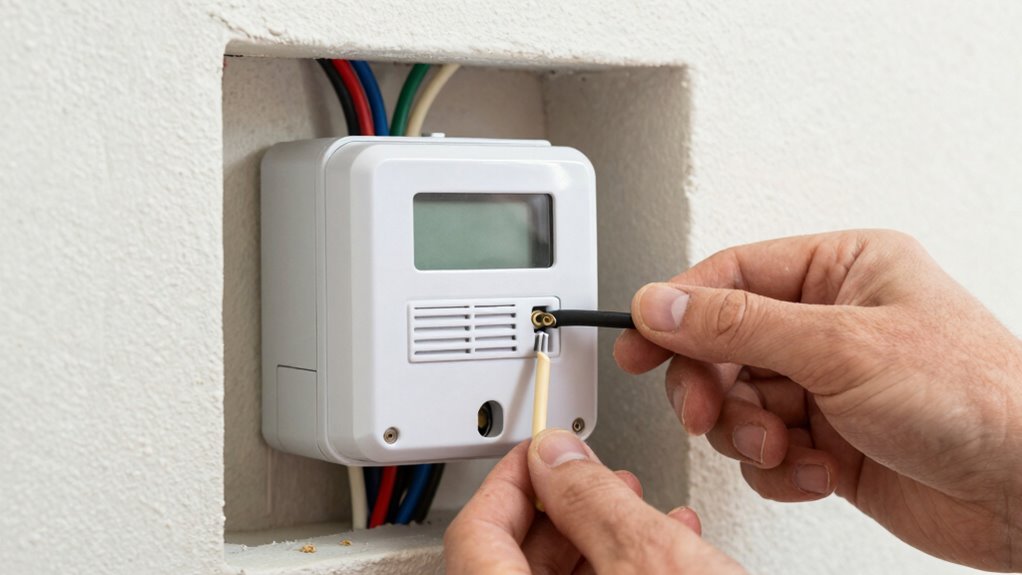
Before installing a new doorbell transformer, it’s important to turn off the power at the circuit breaker to prevent electrical shock and guarantee safety. Once the power’s off, remove the existing transformer if needed, and identify the wiring. Make sure your doorbell chimes are disconnected to avoid damage. Carefully connect the new transformer’s wires to the corresponding terminals, following the manufacturer’s instructions. Keep circuit safety in mind by double-checking all connections before restoring power. Secure the transformer in place, ensuring it’s mounted properly away from moisture or heat sources. It’s also wise to understand the importance of proper wiring to ensure your system functions safely and reliably. Understanding the basic electrical principles involved can help prevent potential issues down the line. Proper wiring techniques are essential for system safety, so taking the time to follow these steps can save you from costly repairs later. Additionally, consulting wiring diagrams can help clarify the correct configuration for your specific setup. Being familiar with circuit connections can assist in troubleshooting if problems arise later. Turn the circuit breaker back on and test the doorbell system. If everything functions correctly and the chimes work smoothly, you’ve successfully installed the transformer safely and properly.
Frequently Asked Questions
Can I Upgrade My Transformer Myself or Should I Hire a Professional?
You can attempt a DIY upgrade if you’re comfortable with electrical work, but safety considerations are vital. Make certain the power is turned off before working on the wiring, and follow the manufacturer’s instructions carefully. If you’re unsure or uncomfortable, it’s best to hire a professional to avoid risks like electrical shock or damage. Prioritize safety and know your limits to guarantee a proper, secure upgrade.
What Signs Indicate My Transformer Is Failing Besides Insufficient Power?
Did you know that about 60% of transformer failures show clear signs before complete breakdown? If you notice a buzzing noise near your doorbell or flickering lights, these are signs your transformer might be failing. These issues indicate inconsistent power flow, which can damage your system. If you see these signs, it’s best to have a professional check your transformer to prevent further problems or potential security risks.
Are There Specific Brands or Models Recommended for Replacements?
When choosing a replacement transformer, you should look for brands known for reliability and compatibility, like Ring, Nest, or ECOTRIC. Make sure the model specifications match your doorbell’s requirements, such as voltage and wattage. Check the manufacturer’s recommendations to guarantee brand compatibility. Opt for a transformer that’s UL-listed for safety, and consider models that include features like easy installation or adjustable power output for better performance.
Will Upgrading the Transformer Affect Other Wired Doorbell Components?
Like a conductor ensuring harmony, upgrading your transformer generally won’t disrupt other wired doorbell components if you prioritize transformer compatibility. You need to guarantee the new transformer matches your system’s voltage and current needs, keeping wiring safety in check. When done correctly, your doorbell system stays in tune without missing a beat, and you avoid potential issues like power loss or damage, maintaining a smooth, integrated setup.
How Long Does a Typical Transformer Upgrade Process Take?
A typical transformer installation usually takes about 30 minutes to an hour, depending on your wiring compatibility and experience. You’ll need to turn off power, remove the old transformer, and connect the new one properly. Making certain wiring compatibility is vital for a smooth upgrade. If you’re comfortable with electrical work, you can do it yourself, but if not, hiring a professional guarantees the process is quick and safe.
Conclusion
So, next time your video doorbell stubbornly refuses to ring or flashes a warning, don’t blame your Wi-Fi. Maybe it’s just your transformer throwing a tantrum, desperately in need of an upgrade. Imagine your doorbell throwing a hissy fit every time someone’s at the door—sounds fun, right? Upgrading your transformer isn’t just tech talk; it’s saving yourself from a never-ending game of “Why didn’t it ring?” and finally enjoying peace of mind.