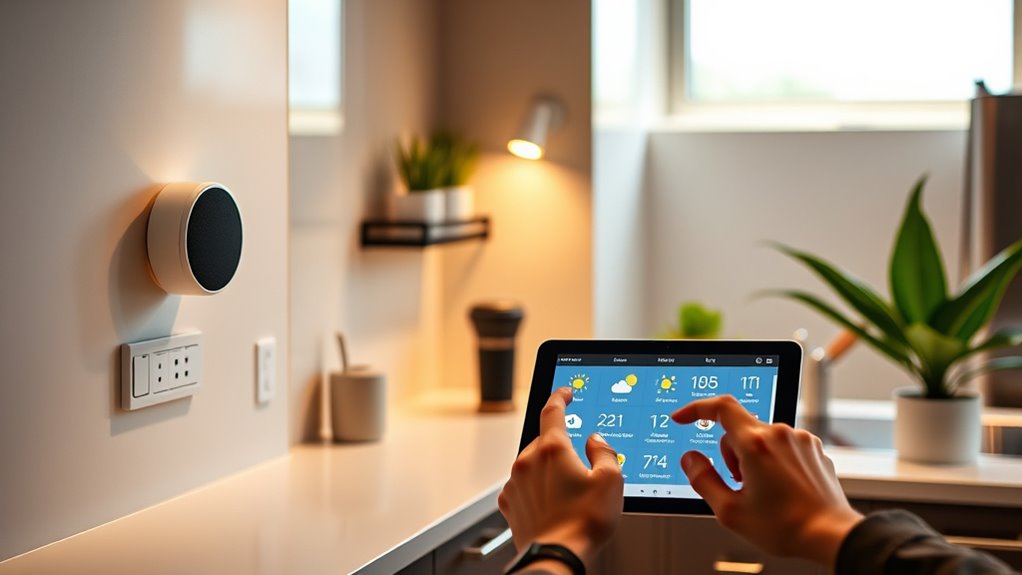

Voice assistant routines help you automate daily tasks with simple voice commands, making your smart home more seamless. You can set triggers like time, location, or voice to activate actions such as turning on lights, playing music, or checking the weather. Customizing routines streamlines your day, reduces manual effort, and makes your home more responsive to your needs. Keep exploring to discover how to create and manage routines that perfectly fit your lifestyle.
Key Takeaways
- Create routines triggered by voice commands, time, or location to automate daily tasks seamlessly.
- Customize routines to include actions like adjusting lights, playing music, or providing weather updates.
- Easily modify or add actions to routines to adapt to changing daily needs.
- Use routines to simplify morning wake-up, evening wind-down, or other recurring activities.
- Automate multiple devices simultaneously for increased convenience and a smarter home experience.
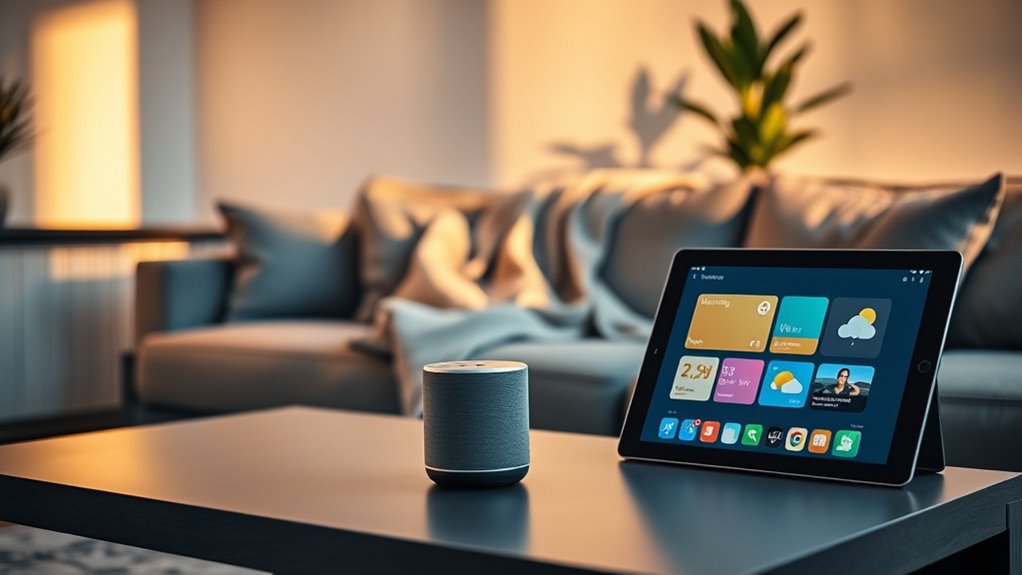
Have you ever wished your smart devices could work together seamlessly to simplify your day? With voice assistant routines, that wish can become a reality. Imagine waking up and having your smart home automatically adjust the thermostat, turn on your coffee maker, and open your blinds—all with a simple voice command. These routines allow you to customize your smart home experience, making daily tasks smoother and more efficient. Instead of managing multiple apps or manually controlling each device, you create a set of commands that trigger various actions at once. This is where voice command customization becomes a game-changer, giving you the power to tailor routines exactly to your needs.
Setting up routines is straightforward. You start by choosing a trigger—this could be a specific voice command, a particular time of day, or even when you arrive home. Once activated, the routine executes a sequence of actions across your smart home devices. For example, you could say, “Good morning,” and your routine might turn on the lights, play your favorite morning playlist, and read out the weather forecast. The beauty of voice command customization lies in how personal and adaptable your routines can be. You can specify exactly what happens when you say a certain phrase, making your smart home feel more intuitive and responsive.
The key is to think about your daily habits and how technology can enhance them. Do you want your smart home to prepare your environment before you wake up? Or perhaps automate your evening wind-down routine? Creating routines means you don’t have to remember to do these tasks manually. Instead, your voice assistant handles the details, freeing you up for more important things. Plus, with ongoing improvements in voice recognition, routines become more reliable and easier to customize over time. You can add new actions, tweak existing ones, or even disable routines when they’re not needed, giving you full control.
Another advantage of these routines is the ability to integrate multiple devices effortlessly. With a few simple voice commands, your smart home can dim the lights, lock the doors, and adjust the thermostat, all in one go. This level of automation makes your day more convenient and can even enhance your home’s security. The flexibility of voice command customization means you’re not limited to pre-set routines; you can create unique sequences tailored to your lifestyle. Whether you want a quick morning routine or an elaborate evening setup, voice assistants make it easy to streamline your daily activities, turning your house into a truly intelligent environment. Additionally, understanding the contrast ratio of your projector can help optimize your viewing experience, especially in different lighting conditions around your smart home.
Frequently Asked Questions
Can Routines Be Customized for Multiple Users?
Yes, routines can be customized for multiple user profiles. You can set up personalized commands for each person, ensuring that when they activate the routine, it responds specifically to their preferences. This way, everyone in your household gets tailored assistance, making your voice assistant more efficient. By managing multiple user profiles, you create a seamless experience that adapts to each person’s needs and routines effortlessly.
How Secure Are Voice Assistant Routines?
Imagine your routines are guarded by a tiny digital fortress—sounds secure, right? Well, voice assistant routines do prioritize your privacy concerns, often using data encryption to keep your info safe. Still, it’s wise to stay cautious, as hackers sometimes find sneaky ways in. Ultimately, while your routines are relatively secure, don’t forget that no system is entirely unbreakable—so keep your guard up!
Can Routines Trigger Based on Location?
Yes, routines can trigger based on location using geofencing routines and location triggers. You set specific areas, like your home or workplace, and your voice assistant detects when you enter or leave these zones. When that happens, it automatically activates your chosen routines, such as turning on lights or adjusting the thermostat. This feature helps automate daily tasks seamlessly, making your smart home more responsive to your movements.
Are Routines Compatible With All Smart Devices?
Imagine your smart home as a bustling city of devices, each with its own language. Routines aren’t compatible with all smart devices, but many support device compatibility and cross-platform integration. This means your routines can seamlessly activate lights, thermostats, and speakers together. Check each device’s compatibility to guarantee smooth operation. When devices speak the same language, your routines become a symphony of effortless control.
How Do I Troubleshoot Routine Failures?
To troubleshoot routine failures, start by checking your device connections and ensuring your voice assistant and smart devices are updated. Review routine settings for any errors or misconfigurations. If a routine fails, try disabling and re-enabling it, or recreate it from scratch. Routine troubleshooting often involves failure resolution steps like resetting devices or checking for app permissions. These actions help identify issues and restore your routines to smooth operation.
Conclusion
By setting up voice assistant routines, you streamline your daily tasks and save precious time. These routines turn chaos into order, making your mornings smoother and your evenings more relaxed. Once you harness this power, you’ll wonder how you ever managed without it. Remember, a well-organized routine is like a well-oiled machine—everything runs seamlessly. So, take charge now and let your voice assistant do the heavy lifting; it’s the secret to a more efficient day.