Dolby Atmos creates a truly immersive sound environment by precisely placing audio objects in a 3D space, giving some setups a lifelike, “3D” feeling. This depends on proper speaker placement—especially overhead or upward-firing speakers—along with room acoustics and calibration. Content support for Atmos also matters. When configured correctly, your system will deliver sound from all directions, including above you, making the experience more realistic. If you want to understand how to optimize your setup, keep exploring these key factors.
Key Takeaways
- Proper speaker placement at ear level and overhead creates accurate sound localization for a true 3D effect.
- Object-based audio technology in Dolby Atmos precisely positions sounds in three-dimensional space.
- Room acoustics and reflective surfaces influence sound clarity and spatial perception, enhancing immersion.
- Calibration of speakers and settings ensures balanced sound layering and accurate height cues.
- Content supporting Dolby Atmos enables the system to deliver layered, dynamic, and lifelike 3D audio experiences.
What Is Dolby Atmos and How Does It Work?

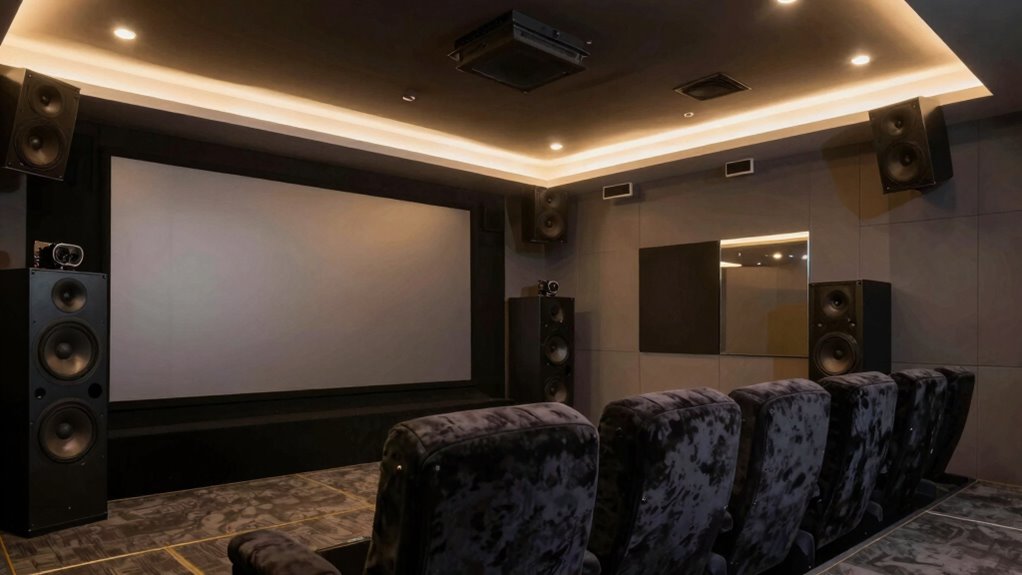
Have you ever wondered how some movies and music seem to surround you with sound from all directions? That’s the magic of Dolby Atmos, which creates a true surround sound experience. Unlike traditional setups, Dolby Atmos adds height channels, so sound comes from above as well as around you. To achieve this, speaker positioning is essential. You’ll need speakers placed not only at ear level but also overhead or mounted on the ceiling. This setup allows the system to precisely place sounds in a 3D space, making you feel immersed in the environment. Dolby Atmos uses object-based audio technology, so soundtracks can assign specific sounds to precise locations. When your speakers are correctly positioned, you get a more realistic, multidimensional audio experience that feels like it’s happening all around you. Proper speaker placement is crucial for maximizing the immersive potential of Dolby Atmos. European cloud innovation can also support advanced audio processing technologies that enhance immersive experiences.
What Factors Make Some Home Theater Setups Feel More ‘3D’?
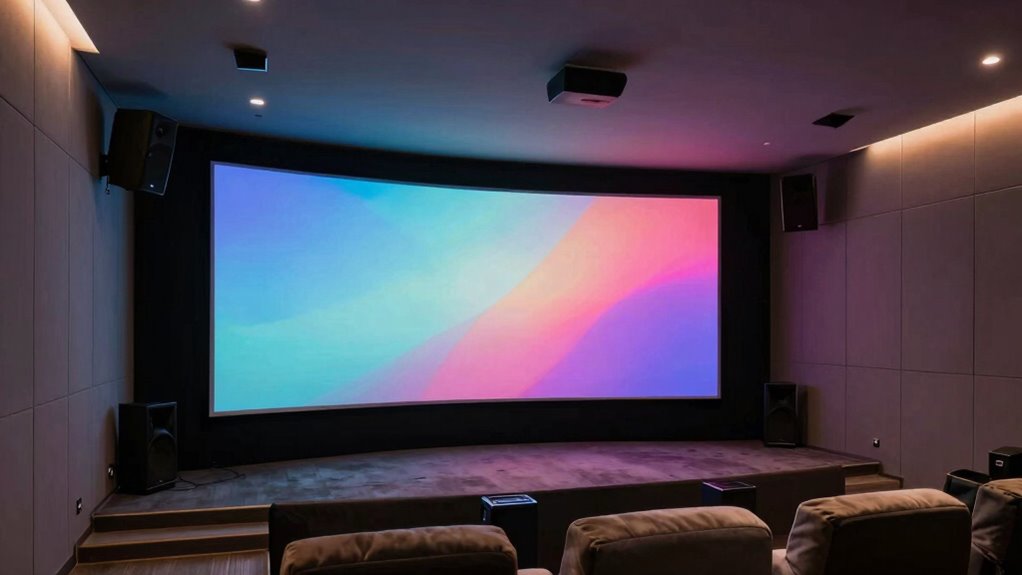
The key to making your home theater feel truly three-dimensional lies in how you set up your speakers and the room itself. Proper speaker height is essential; positioning speakers at ear level or slightly above enhances the sense of depth. Room acoustics also play a critical role—minimize sound reflections and echoes by adding soft furnishings or acoustic panels. Consider how sound waves interact within your space to optimize immersion. Here’s what influences the 3D effect:
| Factor | Impact |
|---|---|
| Speaker Height | Creates accurate sound localization |
| Room Acoustics | Reduces echoes, enhances clarity |
| Speaker Placement | Ensures even sound distribution |
Adjusting these elements makes your setup feel more enveloping and lifelike.
What Hardware Do You Need for an Immersive Dolby Atmos Experience?
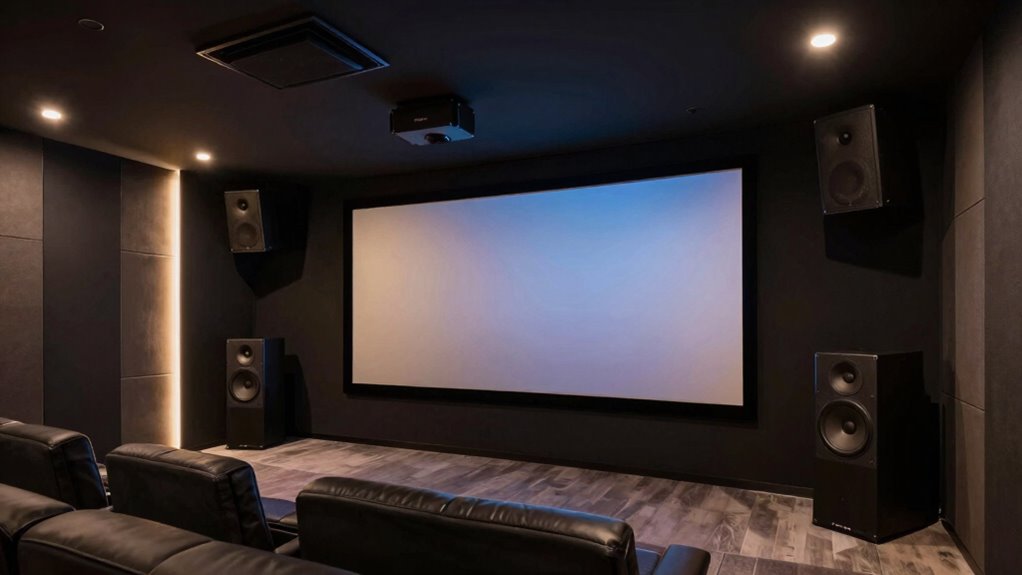
To create an immersive Dolby Atmos experience, you’ll need specific hardware components that work together to deliver multidimensional sound. First, choose a compatible AV receiver that supports Dolby Atmos. You’ll also need ceiling speakers or upward-firing modules to create overhead sound effects. Quality speakers and amplifiers are essential for clear, dynamic audio. Proper speaker calibration is vital—you’ll want to use audio calibration tools or built-in room correction systems to optimize speaker levels and timing. This guarantees sound moves seamlessly through all channels, creating that true 3D effect. Keep in mind, the hardware must be compatible and set up correctly for Atmos to work effectively. Proper calibration guarantees the system delivers balanced, immersive sound, making your home theater feel like a true cinematic experience. Additionally, selecting the right speaker placement enhances the overall surround effect and ensures the most accurate and immersive soundstage. To maximize your setup, understanding room acoustics can significantly improve the overall listening experience by reducing echo and sound reflection issues. Paying attention to speaker positioning can also help achieve the best possible sound immersion. Furthermore, employing room calibration tools can fine-tune your system for optimal sound quality. For optimal performance, choosing high-quality cables and connectors ensures minimal signal loss and maintains audio fidelity throughout your system.
Where Should You Place Your Speakers for Dolby Atmos Depth?
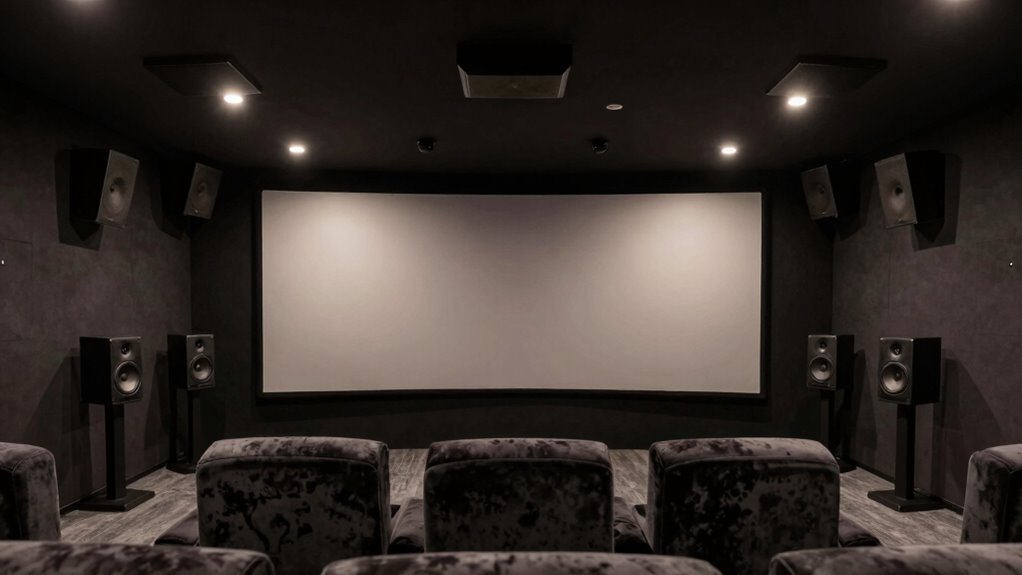
Achieving true Dolby Atmos depth depends heavily on speaker placement. Proper positioning enhances sound layering, making your setup feel more immersive. To optimize depth:
Proper speaker placement is essential to unlock the full immersive depth of Dolby Atmos.
- Place upward-firing or ceiling speakers directly above your listening area for overhead sound effects.
- Mount speakers at ear level when seated, aiming them toward the listening position.
- Use dedicated height channels for consistent sound layering across the room.
- Ensure speakers are evenly spaced, maintaining symmetry to avoid sound imbalance.
- Incorporate Free Floating elements into your setup to improve overall spatial perception and realism. Additionally, adjusting speaker angles can significantly enhance the sense of depth and immersion, especially when combined with precise calibration. Ensuring your room acoustics are optimized can further enhance the perceived depth and clarity of Dolby Atmos effects. Being mindful of sound reflection and absorption helps create a more seamless sound environment, making effects feel three-dimensional. This strategic placement creates a seamless sound environment, making effects feel three-dimensional. Correct speaker placement is key to achieving the layered, enveloping Atmos experience you’re after, bringing depth and realism to your home theater.
Is Your Content Compatible With Dolby Atmos?
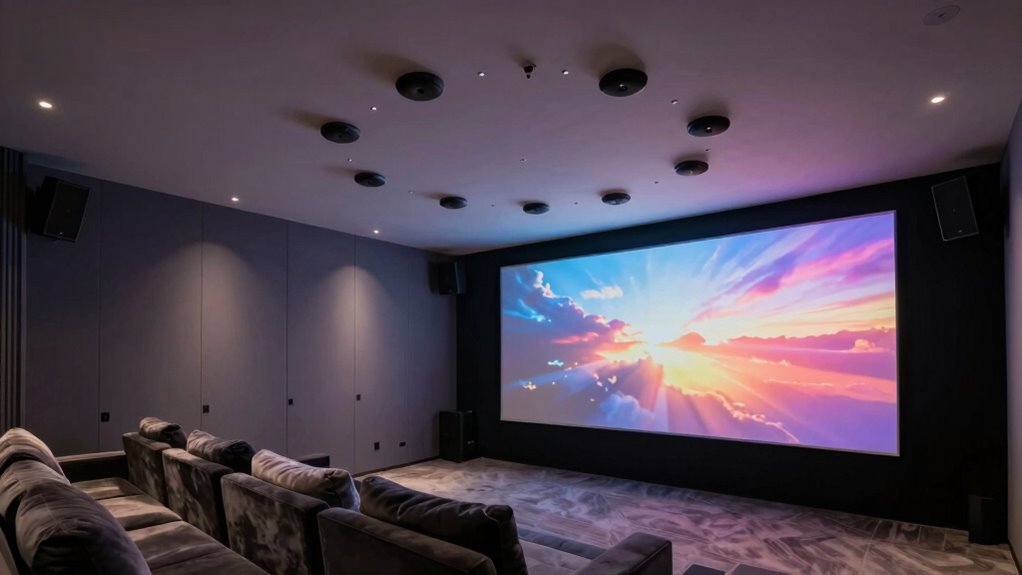
Before you can enjoy the immersive benefits of Dolby Atmos, it’s essential to confirm that your content is compatible with this technology. Not all audio or video files are formatted for Atmos, so check your source material’s content formatting. Look for Dolby Atmos support on streaming platforms, discs, or digital files. Additionally, speaker compatibility matters; your setup needs speakers capable of reproducing height channels or upward-firing speakers to fully experience Atmos. If your content isn’t formatted for Atmos, you won’t get the 3D sound experience, no matter how advanced your setup is. Ensuring your content formatting is Atmos-compatible guarantees you’re not missing out on the intended immersive audio experience that Dolby Atmos offers. To achieve optimal performance, verify that your audio and video sources are configured correctly for Atmos playback.
What Common Mistakes Limit Your Atmos Immersion: and How to Avoid Them?
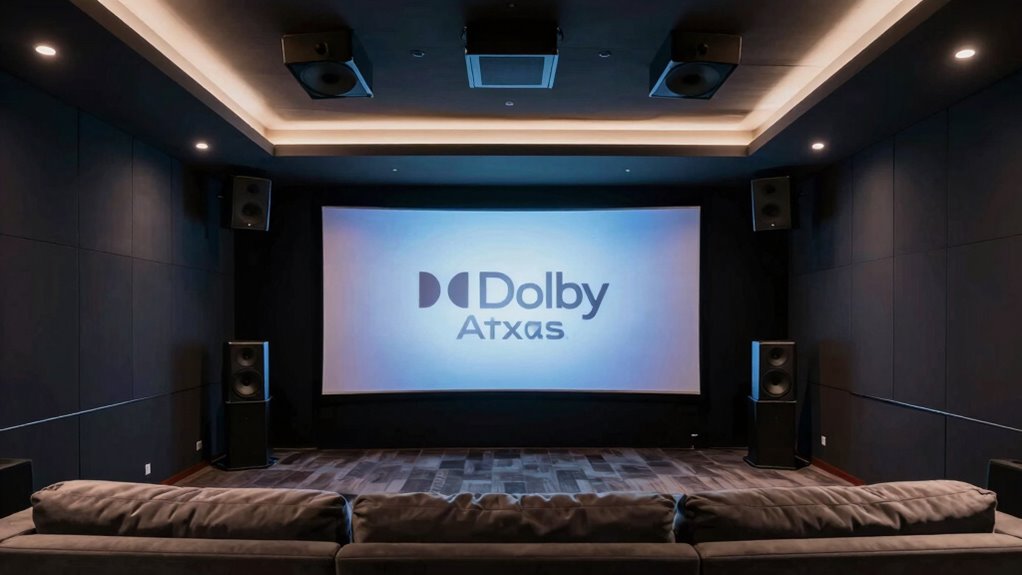
Even if your content supports Dolby Atmos, certain common mistakes can prevent you from experiencing its full immersive potential. One major issue is speaker height; if your ceiling speakers aren’t aligned correctly, sound may not accurately float above you. Second, poor room acoustics can distort or dampen sound, reducing clarity and immersion. Third, positioning speakers too close or too far apart can disrupt the intended soundfield. Fourth, neglecting to calibrate your system properly can lead to imbalanced sound. To avoid these pitfalls, verify your speakers are at the correct height, optimize room acoustics with treatments, maintain proper speaker spacing, and run calibration tools. Addressing these issues helps create a more convincing, truly immersive Atmos experience.
How Can You Optimize Your Existing Setup for Better 3D Sound?
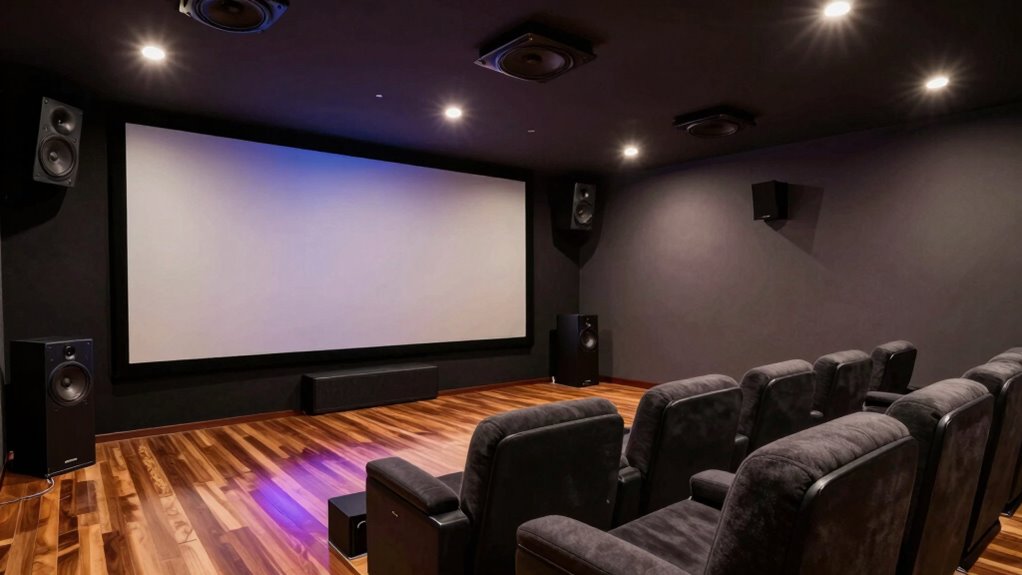
To improve your 3D sound experience, start by adjusting your speaker placement for ideal coverage. Next, calibrate your audio settings to guarantee balanced and accurate sound reproduction. Finally, take advantage of object-based audio features to create a more immersive Atmos environment. Incorporating adaptive audio technologies can further enhance your listening experience by dynamically adjusting sound based on your environment. Additionally, understanding the spatial audio rendering process can help you appreciate how sound objects are positioned within the three-dimensional space for a more authentic experience. Exploring how sound localization works can also deepen your understanding of how our brains interpret spatial cues for a richer listening experience.
Adjust Speaker Placement
Optimizing your speaker placement is essential for achieving immersive Dolby Atmos sound. Proper positioning guarantees that sound moves accurately around you, creating the 3D effect. Here are some tips:
- Adjust speaker height so that overhead speakers are slightly above ear level when seated.
- Maintain speaker symmetry by placing front and rear speakers at equal distances from your listening position.
- Position speakers directly facing your seating area to ensure clear sound paths.
- Avoid obstructions that can block sound waves or reflections, preserving the integrity of the 3D audio.
- Use consistent speaker placement practices to ensure your setup aligns with smartphone and accessory compatibility standards for best results.
- Consider incorporating water-based elements such as aquariums or fountains in your room, as they can influence sound reflections and enhance the spatial experience. Additionally, experimenting with different room acoustic treatments can further improve sound diffusion and clarity. Incorporating various room acoustics adjustments, like diffusers or bass traps, can significantly enhance the 3D sound immersion.
Calibrate Audio Settings
Once you’ve adjusted your speaker placement, fine-tuning your audio settings can considerably enhance the 3D sound experience. Start with speaker calibration to ensure each speaker outputs balanced sound levels and correct distances. Use a calibration microphone or built-in room correction tools to measure your setup’s audio performance, adjusting for equalization and delay. Proper audio tuning aligns your speakers with the room’s acoustics, making sounds feel more immersive and precise. Pay attention to bass levels, treble, and surround sound settings to avoid muddiness or imbalance. Regularly re-calibrate if you move your speakers or change any components. This process guarantees your system accurately reproduces the object-based audio elements, heightening the sense of depth and spatial realism in your Dolby Atmos setup. Additionally, understanding the maintenance costs associated with your audio equipment can help you plan for potential expenses and keep your system performing optimally over time.
Use Object-Based Audio
Leveraging object-based audio is key to revealing the full potential of your Dolby Atmos system. By focusing on object-based audio, you can create richer, more immersive soundscapes that truly surround you. To optimize your setup, consider these steps:
- Confirm your content supports object-based audio formats like Dolby Atmos tracks.
- Use compatible hardware that can process and render object-based audio effectively.
- Adjust speaker placement to accurately reflect sound object positioning for clearer spatial cues.
- Enable any available settings that enhance object-based audio processing on your receiver or soundbar.
- Be mindful of sound quality issues such as distortion or mislocalization, which can detract from the immersive experience.
These adjustments help your system better interpret and reproduce immersive soundscapes, making your listening experience feel more “3D” and realistic. Properly utilizing object-based audio transforms your setup into a dynamic, enveloping audio environment.
Is Upgrading Worth It for Dolby Atmos?

Deciding whether upgrading to Dolby Atmos is worth it depends largely on your current audio setup and how much you value immersive sound. If your speakers are placed at the correct speaker height and your room acoustics support clear sound dispersion, you’ll notice a significant difference. Upgrading can transform your listening experience, making sound feel more three-dimensional. However, if your current setup lacks proper speaker height or your room has poor acoustics, the benefits may be limited. You might need to invest in additional speaker calibration or acoustic treatments first. Ultimately, if you’re already close to a good setup, upgrading to Dolby Atmos will enhance your audio; if not, addressing those foundational issues first could be more worthwhile. Optimal setup can make a crucial difference in experiencing the full benefits of Dolby Atmos technology.
How Can You Test and Confirm Your Atmos System Delivers Full 3D Sound?
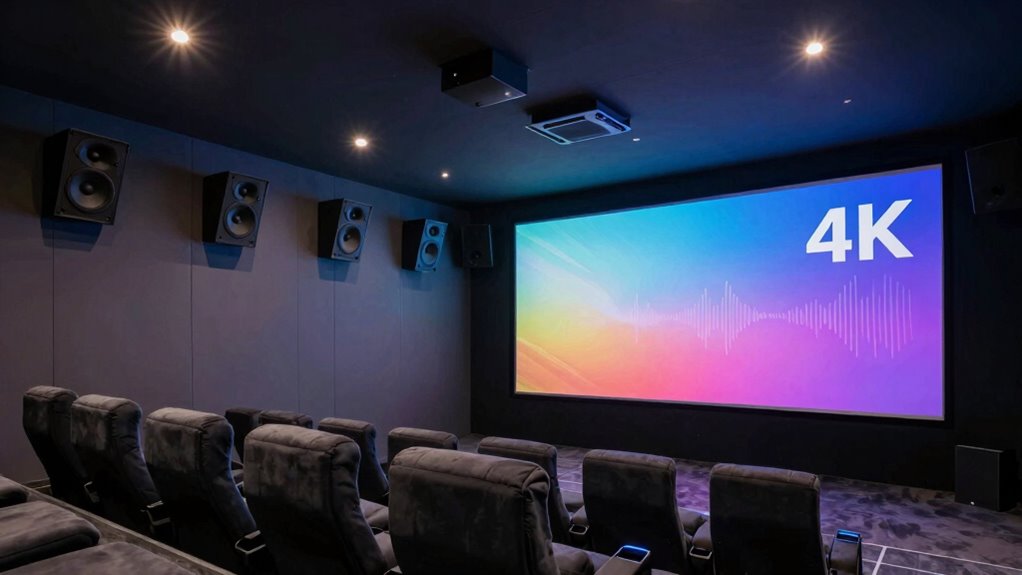
To confirm your Atmos system is delivering the full 3D sound experience, you need to perform specific tests that evaluate how well sound moves around you. Start with these steps:
- Speaker calibration: Use your receiver’s calibration tool to ensure all speakers, including overhead ones, are balanced and correctly positioned.
- Sound layering test: Play a Dolby Atmos demo clip that includes sounds from different directions and heights, ensuring layers of sound are distinct.
- Visualize sound movement: Use test tracks designed to move sound around you, confirming your system detects vertical and horizontal positioning. Additionally, pay attention to the spatial accuracy of these tests to ensure true 3D sound. Proper speaker placement is crucial for achieving accurate sound movement, so double-check that your speakers are correctly positioned according to your room layout.
- Adjust and re-test: Fine-tune speaker placement or calibration if sounds don’t seem to move as expected, ensuring immersive 3D sound.
- Verify sound directionality: Employ specialized sound positioning tools or recordings to accurately assess how well your system reproduces vertical and horizontal audio cues.
Frequently Asked Questions
Can I Upgrade My Current Speakers to Support Dolby Atmos?
Yes, you can upgrade your current speakers to support Dolby Atmos, but first, do a compatibility check. You’ll likely need to add or replace speakers for overhead or upward-firing modules. Focus on ensuring your receiver can handle Atmos configurations and that your new speakers are compatible. A speaker upgrade can dramatically improve your experience, but confirming compatibility beforehand saves you time and money.
Do Streaming Services Offer Enough Atmos Content for Full Experience?
Imagine watching a thrilling action scene, feeling immersed as bullets whiz overhead. Unfortunately, streaming limitations can restrict your Atmos experience, with some services offering limited content diversity. While platforms like Netflix and Disney+ provide Atmos titles, the selection isn’t vast yet. To truly enjoy full Atmos immersion, you might need to explore physical media or dedicated streaming services with broader Atmos libraries, ensuring every sound feels dynamically three-dimensional.
How Does Room Size Affect Dolby Atmos Sound Quality?
Room size greatly impacts your Dolby Atmos sound quality. Larger rooms can enhance the immersive experience if you optimize room acoustics and speaker placement, allowing sound to flow naturally and fill the space. In smaller rooms, you might need to adjust speaker positioning or add acoustic treatments to prevent sound reflections and muddiness. Properly planning room acoustics and strategic speaker placement ensures you get the full 3D effect Atmos offers, regardless of size.
Is Dolby Atmos Compatible With All Audio Receivers?
Sure, your audio receiver might claim Dolby Atmos compatibility, but don’t get your hopes up if it’s not designed for it. Most standard receivers don’t support Atmos unless they’re specifically built for it, which affects speaker placement and room acoustics. Double-check your receiver’s specs, and remember, even the best setup can’t create that immersive 3D sound if your gear isn’t compatible. So, yes, compatibility really does matter.
What Maintenance or Calibration Is Needed for Optimal Atmos Performance?
To guarantee ideal Atmos performance, you’ll need to regularly check your speaker placement and use calibration tools like a sound level meter or auto-calibration system. Proper speaker placement, especially for overhead or ceiling speakers, is essential. Run calibration tools on your receiver to balance sound levels and speaker distances. Keep your equipment clean and updates current, and periodically revisit setup to maintain immersive, true 3D sound quality.
Conclusion
Achieving true Dolby Atmos immersion can elevate your home theater experience dramatically. Did you know that 75% of Atmos users report more realistic soundscapes and deeper immersion? By understanding setup tips and content compatibility, you can access this 3D audio magic. With the right hardware and placement, you’ll feel like you’re part of the action. Don’t settle for flat sound—enhance your system today and enjoy cinema-quality depth right in your living room.