To optimize your standing desk setup, adjust the height so your elbows are at a 90° angle, with your wrists straight and relaxed. Your monitor should be positioned at eye level, directly in front of you, to avoid tilting your head up or down. Foot positioning also matters; keep your feet shoulder-width apart and shift weight regularly. Following these guidelines helps prevent strain and supports long-term comfort—there’s more to discover about creating an ergonomic workspace.
Key Takeaways
- Adjust the standing desk height so elbows are at a 90° angle for comfortable arm positioning.
- Position the monitor at eye level to prevent neck strain and maintain proper head alignment.
- Keep feet shoulder-width apart with slight knee bend and use footrests to reduce lower limb fatigue.
- Take regular breaks to stretch and reposition to avoid prolonged static postures.
- Regularly review and fine-tune desk and monitor setup for sustained ergonomic health.
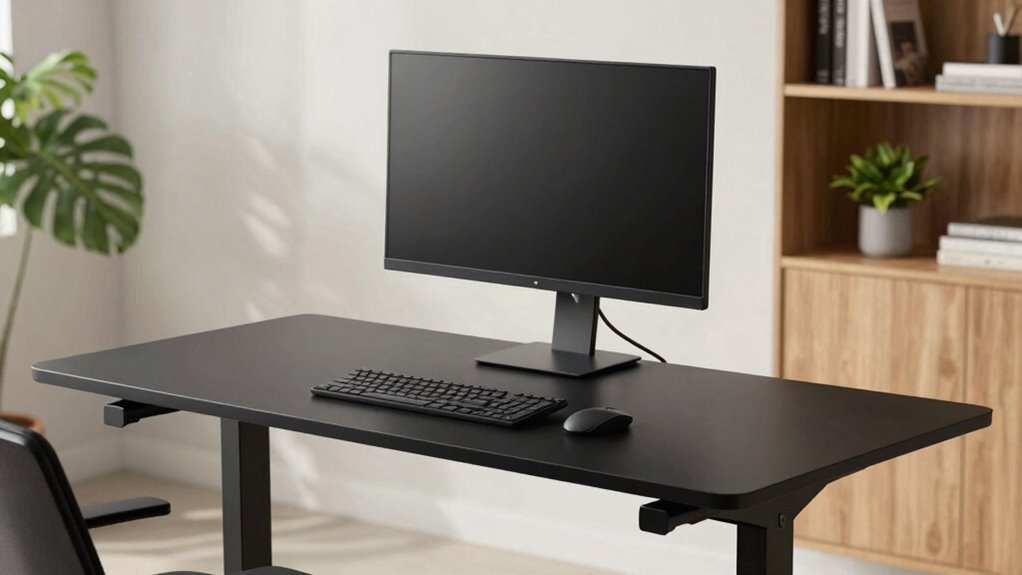
Standing desks can boost your productivity and comfort, but only if you set them up correctly. The key lies in understanding how to properly adjust the height and position your equipment. When working with an adjustable keyboard, make sure it’s at a height where your elbows are bent at about a 90-degree angle and your wrists are straight. This prevents strain and allows for comfortable typing throughout the day. The adjustable feature of your keyboard is essential because it guarantees your arms stay in a neutral position, reducing fatigue and potential repetitive strain injuries. As you adjust the desk height, keep in mind that your monitor should be at eye level, so you’re not tilting your head up or down. Proper monitor positioning minimizes neck strain and keeps your posture aligned. Additionally, paying attention to ergonomic posture helps maintain comfort and prevent injury during prolonged periods of standing. Incorporating ergonomic principles into your setup can further enhance comfort and prevent musculoskeletal issues. Ensuring your workspace supports correct posture can significantly reduce the risk of discomfort and long-term injury. Maintaining body alignment is also crucial to prevent strain and ensure overall ergonomic health during standing work. Regularly checking your setup and making small adjustments can make a substantial difference in long-term comfort.
Foot positioning plays an equally important role in maintaining comfort and stability. When standing, your feet should be about shoulder-width apart for balance, with your weight evenly distributed. If your feet need extra support, consider using a footrest or shifting your weight from one foot to the other periodically. This movement prevents fatigue and encourages better circulation. Avoid locking your knees, as this can lead to discomfort and reduce blood flow. Instead, keep a slight bend in your knees to promote relaxation and reduce pressure on your lower back. Some people find that placing one foot on a footrest or small riser helps alleviate lower limb fatigue, especially during long periods of standing. Remember, your foot positioning shouldn’t cause discomfort; adjust as needed to maintain a natural, relaxed stance. Recognizing when to take short breaks and stretch also contributes to maintaining optimal ergonomic health throughout your workday.
As an affiliate, we earn on qualifying purchases.
Frequently Asked Questions
How Often Should I Adjust My Standing Desk Height?
You should adjust your standing desk height whenever your posture alignment feels off or after prolonged periods of standing. Ideally, calibrate your desk so your elbows are at a 90-degree angle and your monitor is at eye level. Regularly checking and tweaking the desk guarantees you maintain proper ergonomics, preventing discomfort or strain. Frequent adjustments help keep your posture correct, making your standing desk setup both comfortable and healthy throughout the day.
What Are the Best Monitor Stand Options for Ergonomic Setup?
Did you know that proper monitor elevation can reduce neck strain by up to 50%? For an ergonomic setup, choose adjustable monitor stands or risers to align your screen with your eye level. Look for sturdy desk accessories that support your monitor securely, like ergonomic monitor arms or platforms, allowing you to customize height easily. This setup minimizes strain and boosts comfort, making your workspace healthier and more productive.
Can Standing Desks Help Reduce Back Pain Long-Term?
Yes, standing desks can help reduce back pain long-term by promoting better posture correction. When you stand, you engage your core and reduce muscle strain compared to sitting all day. Consistently using a standing desk encourages proper alignment, which minimizes the risk of chronic back issues. Just make certain you adjust the height correctly and take breaks to avoid new discomfort, making it a valuable tool for long-term back health.
How Do I Prevent Fatigue When Using a Standing Desk?
You can prevent fatigue at a standing desk by prioritizing footwear comfort and using desk mat options. Wear supportive shoes that reduce strain on your feet and legs. Additionally, stand on an anti-fatigue mat to cushion pressure points and improve circulation. Remember to take regular breaks, shift your weight, and stretch. These simple steps will help you stay energized, comfortable, and focused throughout your workday.
Are There Specific Accessories to Improve Ergonomic Monitor Positioning?
Yes, using accessories like a monitor arm or a monitor riser can greatly improve ergonomic monitor positioning. A monitor arm allows you to easily adjust height, distance, and angle, reducing neck and eye strain. A monitor riser elevates your screen to eye level, promoting better posture. These accessories help you maintain a comfortable, ergonomic setup, minimizing fatigue and preventing discomfort during long standing or sitting periods.
Conclusion
By adjusting your standing desk and monitor to the perfect height, you’re sculpting a workspace where comfort and productivity dance in harmony. Think of your setup as the keel of a ship—steady and balanced, guiding you smoothly through your workday. When your ergonomic choices align, you’ll glide effortlessly, avoiding the rocky shoals of discomfort. Embrace these simple tweaks, and let your workspace become a sanctuary where health and efficiency sail side by side.